 Revapin
How to Batch-Create a Month of Pins in One Sitting
Making pins one at a time, day after day, burns more hours than the pins are worth. Batch instead: set aside one session, work from templates, and build a month of pins at once, then schedule them to post over the weeks ahead. You trade a single focused afternoon for a month of not thinking about it.
Why batching beats daily pinning
Switching into "design mode" has a cost every time you do it. Opening your editor, remembering your fonts, finding an image, it all adds up when you repeat it thirty times. Do it once and stay in that mode, and each pin takes a fraction of the time. Momentum is the whole trick.
Work from templates
Batching only works if you're not designing each pin from scratch. Have two or three saved layouts ready, then move fast: swap the headline, drop in the image, export, next. The template holds your fonts and colors steady so every pin comes out on-brand without a decision.
Set up before you start
The session goes quicker when everything's ready before you open the editor:
- a list of topics or posts you want pins for;
- your images gathered in one place, not scattered;
- your templates open and ready to duplicate.
Line those up first and the actual making is almost mechanical.
Download references into folders
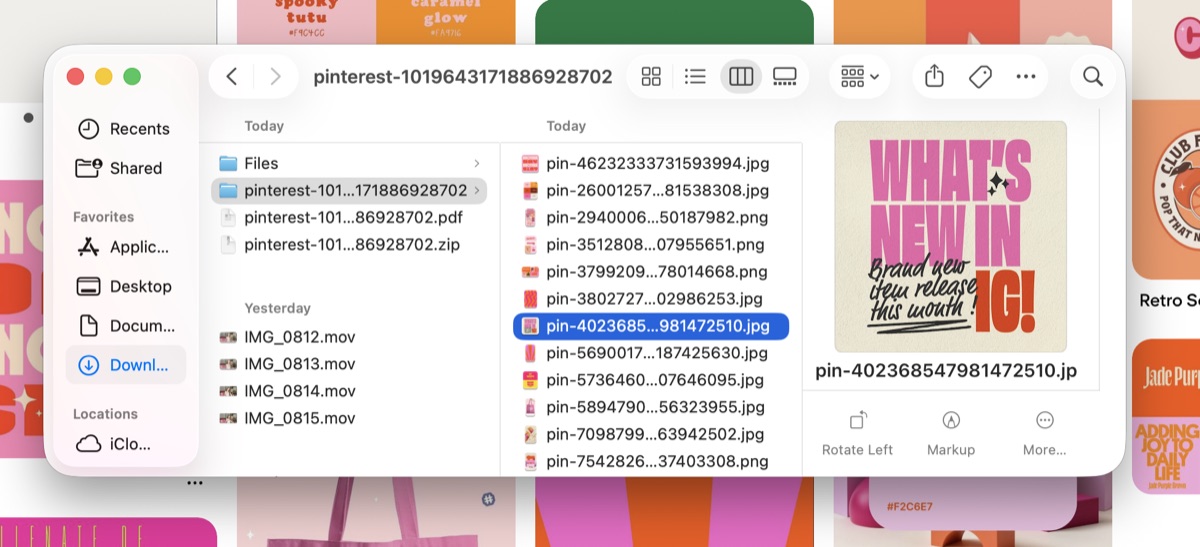
The slowest part of batching is usually hunting for images mid-session. It breaks your rhythm. Revapin downloads reference pins and your own boards into folders on your computer, so before you start you can sort everything by topic and pull from files you already own instead of stopping to search Pinterest for each one.
Block off an afternoon, prep your topics and images, and make the whole month at once. Then schedule the pins to drip out over the weeks, and you're free to spend the rest of your time on the work itself.
Revapin is not affiliated with, sponsored by, or endorsed by Pinterest. Pinterest is a trademark of Pinterest, Inc.