 Revapin
How to Use Hashtags on Pinterest (Do They Still Matter?)
Short answer: hashtags on Pinterest barely move the needle anymore. Pinterest is a search engine, and it ranks pins on the actual words in your title and description, not on tags. If you want reach, spend your effort on keywords and treat hashtags as an afterthought.
Why hashtags faded
There was a stretch where Pinterest pushed hashtags and even showed a feed for each one. That's mostly gone. Now the platform matches pins to searches by reading the whole description as text, the same way Google reads a page. A pin can rank perfectly well with zero hashtags on it.
Where they still help a little
A relevant hashtag or two won't hurt, and it can catch someone browsing that exact tag. Keep them specific and few. Stuffing fifteen generic tags at the bottom of a description looks spammy and does nothing for reach. If you use any, make them read like real search phrases.
Keywords do the real work
Instead of tags, write a description a person would actually search. Name the thing, describe it, add the context someone would type. Use the Pinterest search bar to find the exact phrasing. Put your effort into these instead of tags:
- a clear keyword in the pin title;
- a plain-language description a person would search;
- a board name that matches the topic.
Study how top pins describe themselves
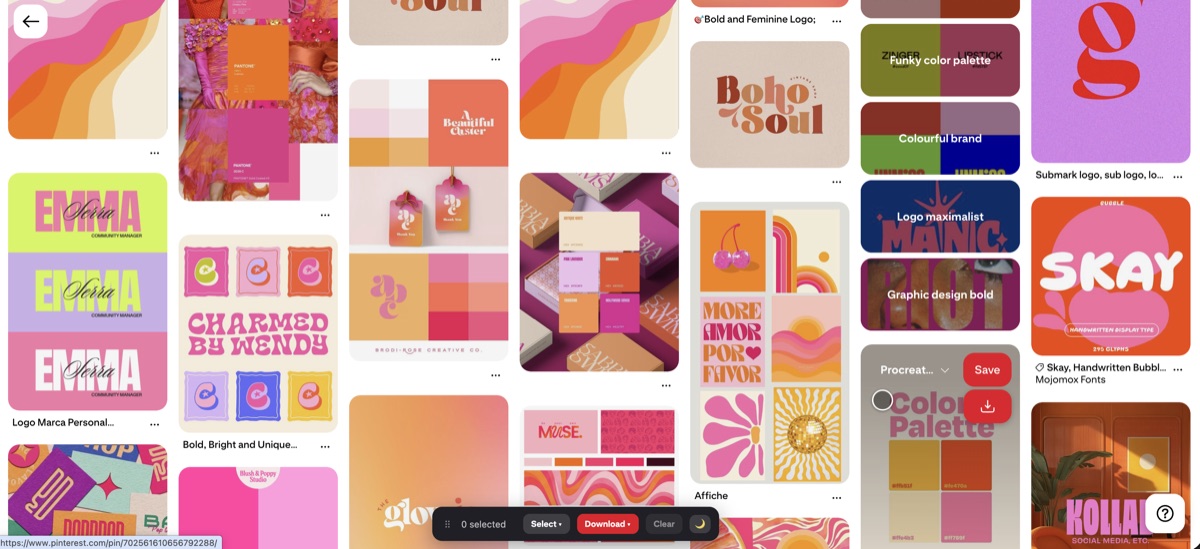
The pins ranking at the top of your niche show you how the winners write titles and descriptions. A download extension lets you pull that set onto your computer to read closely. Revapin saves the top pins for a search so you can see the wording, the image style, and how little the successful ones lean on hashtags.
Skip the hashtag anxiety. Write clear, keyword-rich descriptions in the words people search, and your pins will do far better than any string of tags could manage.
Revapin is not affiliated with, sponsored by, or endorsed by Pinterest. Pinterest is a trademark of Pinterest, Inc.