 Revapin
How to Drive Website Traffic from Pinterest
Pinterest sends real traffic to websites because people are already in a planning, clicking mood when they get there. Each pin can link straight to a page, and a good one keeps sending visitors for months. The trick is making pins people want to click, pointing at pages that deliver.
Link every pin somewhere useful
A pin with no destination is a dead end. Set each pin's link to the exact page it's about — the blog post, the product, the sign-up — not just your homepage. When the pin and the page match, people who click stay, and Pinterest learns to send more of them.
Make the click worth it
The image has to promise something the page then keeps. A few habits help:
- show a preview of what's behind the click, not a vague graphic;
- use text that says what the reader gets;
- match the pin's look to the page, so arriving isn't jarring.
A pin that oversells and a page that underdelivers teaches Pinterest the click was a mistake.
Pin consistently and to the right boards
Traffic builds from a steady stream of pins on clearly named, on-topic boards, not one big push. Each new pin is another entry point that can rank in search and keep sending visitors long after you posted it. The compounding is the whole appeal.
Study the pins winning your keywords
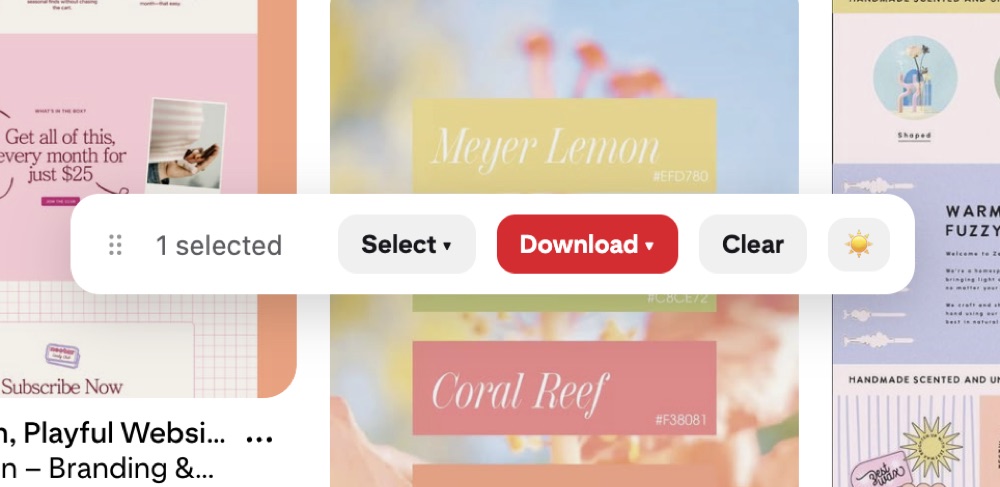
The pins ranking for the searches you want are showing you what earns clicks in your space. Saving a set of them to study — their hooks, their crops, their text — shortens the guesswork. Revapin downloads them at full resolution so you can build a swipe file of what pulls traffic before you design your own.
Link precisely, make the click honest, and pin steadily. Do that and Pinterest turns into a slow, compounding traffic source that keeps working while you're not looking.
Revapin is not affiliated with, sponsored by, or endorsed by Pinterest. Pinterest is a trademark of Pinterest, Inc.