 Revapin
How Pinterest SEO Works (And Why It's Not Like Google)
Pinterest is a search engine that happens to be visual, so pins rank on keywords the same way pages rank on Google — just with the image doing half the talking. Get the words right and a pin surfaces for the right searches for years. The mechanics rhyme with Google, but they aren't identical.
Where the keywords go
Pinterest reads text in several places to work out what a pin is about. All of these matter:
- the pin title and description;
- the name of the board it's saved to;
- text shown on the image itself;
- your profile and bio, at the account level.
Use the words people actually search across those spots, in plain language, and you've done most of the work.
How it differs from Google
Google ranks web pages and leans on links and authority. Pinterest ranks individual pins and leans on the image plus engagement, since it can also see what's in a picture. There's no backlink game here, and freshness matters far less — an older pin keeps ranking as long as people keep saving it.
Finding the right words
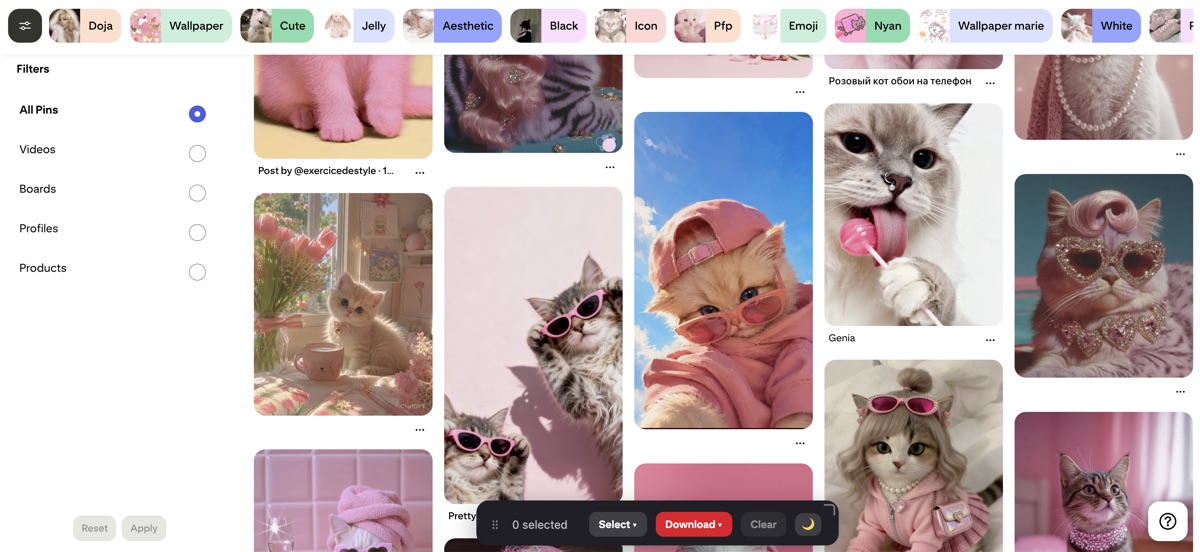
Start typing into the Pinterest search bar and note the suggestions it offers; those are real, popular searches. The filter chips that appear after you search are the same idea. Together they tell you the exact phrasing people use, which is what you want in your titles and descriptions.
Study what already ranks
The pins sitting at the top of a search are a live answer key for that keyword. Saving a set of them lets you see the wording, the image style, and the crops that Pinterest is already rewarding. Revapin downloads those top pins to your computer so you can study them properly rather than from memory.
Treat Pinterest as search, not social. Put honest keywords in the title, description, and board name, make an image worth saving, and the same pin keeps earning views long after you posted it.
Revapin is not affiliated with, sponsored by, or endorsed by Pinterest. Pinterest is a trademark of Pinterest, Inc.