 Revapin
How to Add Links to Your Pins (and Why It Matters)
A pin without a destination link is a dead end. You add the link when you create or edit the pin, in the field labeled "Destination link," and it should point to the exact page the image is about. Get that right and every save someone makes becomes a path back to your site.
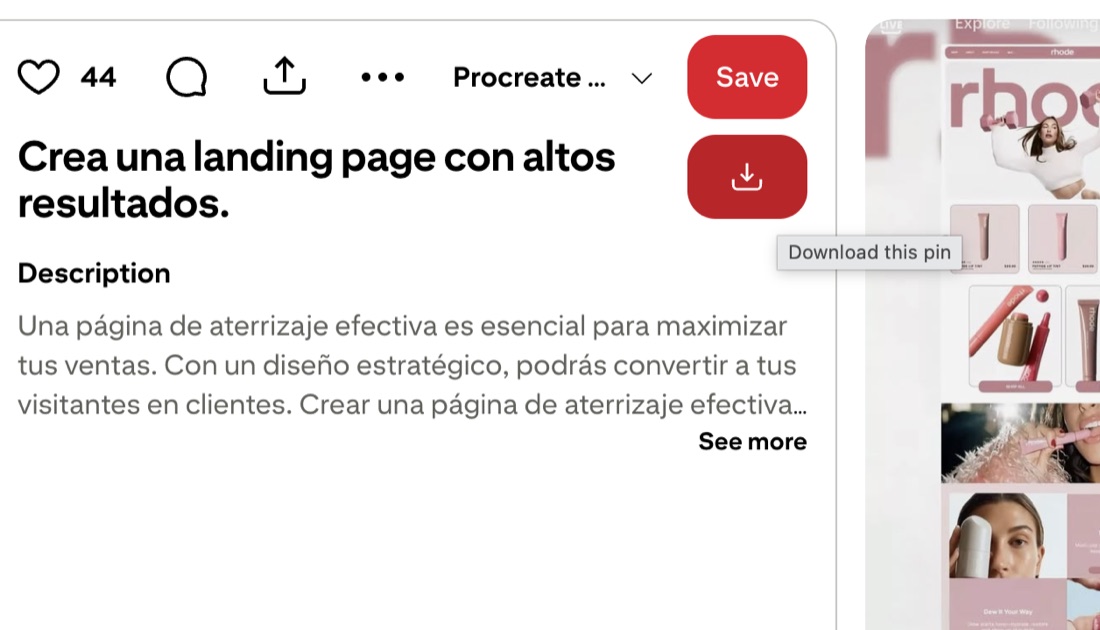
Where the link field lives
When you upload a pin, you'll see a box for the title, a description, a board, and a destination link. Paste the full URL, including the https, into that link field. If you're editing an existing pin, open it, click the edit pencil, and the same field is there. You can change a link after publishing without deleting the pin.
Match the pin to the page it opens
The image and the landing page should agree. A pin showing a lemon cake should open the lemon cake recipe, not your homepage. When they line up, people stay and read. When they don't, they leave, and Pinterest notices the quick bounce. Sending everything to one generic page is the most common way good pins go to waste.
Why dead-end pins hurt you
Pins with no link, or a broken one, still get saved and still spread, but they send nobody anywhere:
- a missing link means no traffic, no matter how many saves;
- a broken link sends people to an error and they bounce;
- a mismatched link erodes trust and lowers your click rate.
Check your links now and then, especially after you move or rename a page.
Study pins that get the link right
Before you set your own links, it helps to look closely at pins that already drive traffic in your niche. Revapin downloads reference pins into folders on your computer, so you can keep a set of strong examples on hand and study how the image, title, and landing page fit together instead of clicking through them one at a time.
Add a destination link to every pin, point it at the specific page, and test it once. That single habit is the difference between a board people admire and a board that actually sends them to you.
Revapin is not affiliated with, sponsored by, or endorsed by Pinterest. Pinterest is a trademark of Pinterest, Inc.