 Revapin
How to Back Up Your Pinterest Boards
Pins aren't permanent, even though they feel that way. A backup is just a local copy of your boards, made before you need it, so a deleted pin or a lost account doesn't take years of collecting with it.
What actually goes wrong
Accounts get suspended, sometimes by mistake. Creators delete pins, and the ones you saved from them go with the originals. Links rot as the sites behind them close. And plenty of people eventually step away from Pinterest and don't want to lose the references they spent years gathering. None of it is likely on any given day, which is exactly why people don't back up until after they've lost something.
What a backup really is
It's the image and video files on your own drive, sorted the way the boards were. Not a screenshot, not a link, but the actual files, at full resolution, in folders you control. Once they're on your computer, nothing Pinterest does can touch them.
Doing it by hand, and why few people finish
You can save each pin one at a time, but a single board can hold hundreds, and an account can hold dozens of boards. The manual version starts fine and quietly turns into a project you abandon halfway. That's the main reason boards go un-backed-up: the effort is front-loaded and boring.
Backing up a board or a whole account
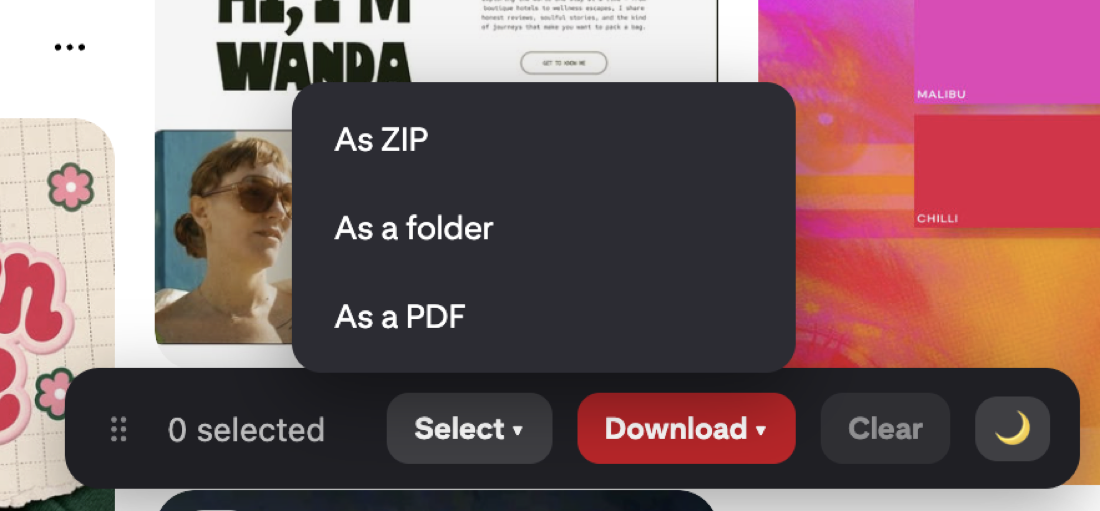
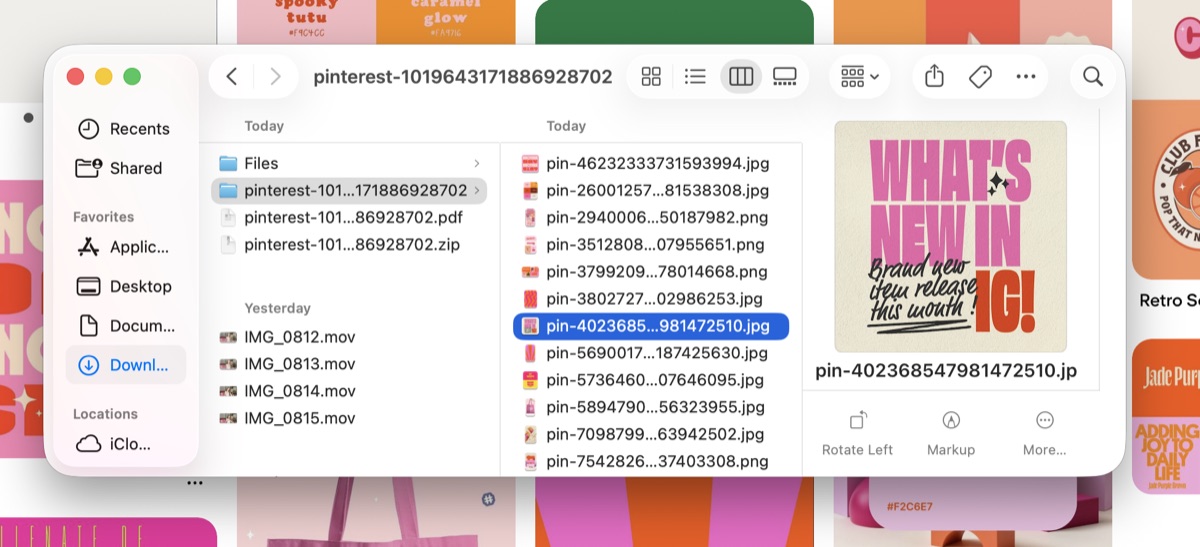
An extension collapses the whole thing into one step. Revapin downloads a board, or an entire profile, to your computer as folders or a ZIP, keeping sections separate so the backup mirrors how the boards were laid out. You pick what to save and it pulls everything at full resolution, without uploading anything or asking for your Pinterest password.
What to include, and where to keep it
A sensible backup covers:
- the boards you'd actually be upset to lose, not necessarily all of them;
- any secret boards with client or personal work;
- video pins, which are the hardest to re-find if they vanish.
Keep the files somewhere that isn't only your laptop — an external drive or a cloud folder — so a dead hard drive doesn't undo the whole point of backing up.
Back up the boards that matter once or twice a year, and keep a copy off your main machine. It's a short task that saves you from the version of the future where the board is gone and there's nothing to restore from.
Revapin is not affiliated with, sponsored by, or endorsed by Pinterest. Pinterest is a trademark of Pinterest, Inc.