 Revapin
How to Give Proper Credit When Reposting Pinterest Content
Proper credit means naming the real creator and linking back to where the work first appeared, not just tagging whoever pinned it. Track down the original source, credit that person, and ask before you use anything commercially.
Find the original source first
The account that pinned an image usually isn't the one that made it. Most pins link back to a source, so click through and see where it lands. If the link is dead or points to another aggregator, do a reverse image search to trace it back to the artist, photographer, or brand. Credit only means something when it points at the person who actually created the work, so this step is the one that matters most.
Credit the creator clearly
Once you know the source, name it plainly. Give the creator's name or handle and link straight to their page or the original post. Put it somewhere people will actually see it, not buried where it can be missed. "Via Pinterest" is not credit; it names the middleman, not the maker. If you genuinely can't identify the creator after a real attempt, it's better to hold off on posting than to credit the wrong person.
Ask permission for anything commercial
Credit and permission aren't the same thing. Naming the creator is polite and often expected, but it doesn't grant you the right to use their work. The moment money is involved — a product, an ad, a paid client project — you need the creator's permission or a license, credit or not. A quick, specific message asking to use a particular image for a particular purpose goes a long way, and a lot of creators say yes.
Don't strip watermarks, and save the source link
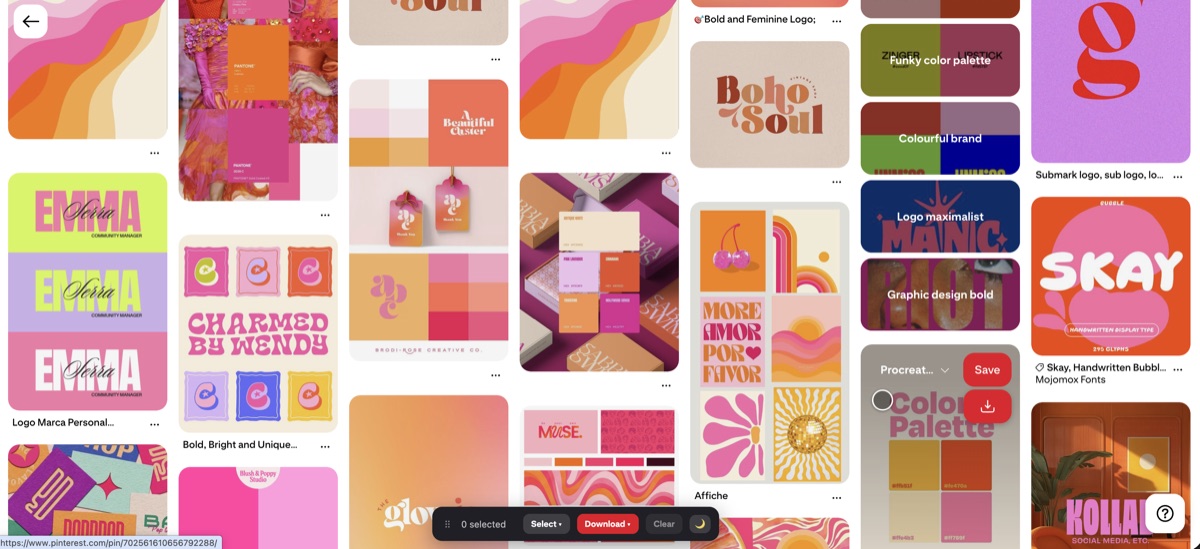
If an image carries a watermark or signature, leave it. Cropping it out or editing it away removes the creator's mark and reads as trying to hide where it came from. The practical problem is keeping all this straight across dozens of saves — which image goes with which source. It helps to keep your references organized locally with the source in mind. A download extension lets you pull images into your own folders for personal reference, where you can note where each one came from. Revapin saves pins to your computer as files, so you can keep a private reference set and match each image back to its origin later.
When you're about to repost, run through this:
- trace the image to its original creator, not the pinner;
- name them and link to the original, visibly;
- ask permission if there's any commercial use.
Crediting well takes a couple of extra minutes, and it's the difference between sharing someone's work respectfully and quietly borrowing it. Do the tracing, name the maker, leave their marks alone.
Revapin is not affiliated with, sponsored by, or endorsed by Pinterest. Pinterest is a trademark of Pinterest, Inc.