 Revapin
How to Download a Whole Pinterest Profile
Downloading one board is straightforward. Sometimes you want the entire profile instead: your own account before you stop using it, or a creator whose whole set of references you'd like to keep. Doing that board by board is slow, so the practical route is a tool that walks the profile and pulls everything for you.
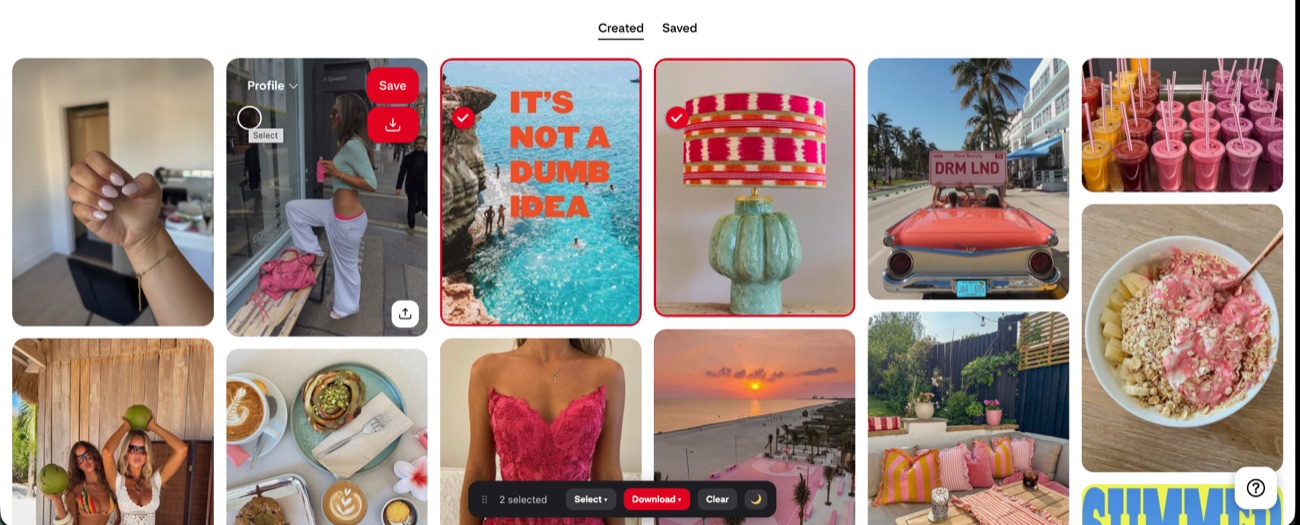
Why grab a whole profile
A few situations push people past a single board. You might be leaving Pinterest and want a copy of years of collecting before you delete the account. You might be handing a project off and need every reference in one place. Or you've found a designer whose entire aesthetic is useful, not just one board of it, and clicking into forty boards one at a time isn't how you want to spend the evening.
The board-by-board way
You can open each board, download it, and repeat. For an account with three or four boards that's fine. For a profile with dozens, each holding hundreds of pins, it becomes a lot of repeated clicking, and it's easy to lose track of which boards you've already done.
Pulling the whole account at once
An extension that reads the profile page can queue every board and download them together. Revapin does this from a profile view: it collects the boards, saves each one, and keeps them as separate folders so you're not left with one giant unsorted heap.
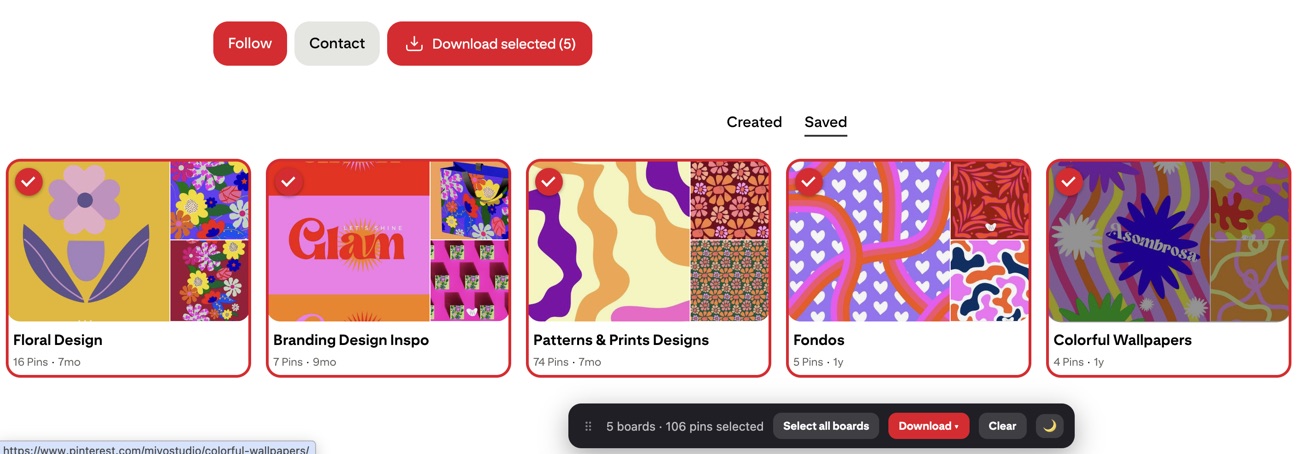
It's free to add and runs entirely in your browser, which is the difference between one action and an afternoon of opening boards one by one.
Big accounts and browser memory
A full profile can run to thousands of images. Downloading that as one file would strain the tab, so a large export gets split into several archives on the way down. It also helps to know what you're actually pulling before you start:
- every board on the profile, or a handful you pick;
- sections within each board, kept as subfolders;
- your own account, or any public profile you can open.
Using what you download
A profile backup is still other people's work, at least when it's someone else's account. Keep the files for reference, credit creators if you share anything, and don't repost a downloaded board as your own collection.
For a full account, the manual approach mostly wastes time. Let the profile page drive the download and you get every board, sorted, in one pass.
Revapin is not affiliated with, sponsored by, or endorsed by Pinterest. Pinterest is a trademark of Pinterest, Inc.