 Revapin
How to Repin Old Content Strategically
Your old posts still have life in them, but the way to bring them back isn't to re-save the same pin over and over. Pinterest favors fresh pins, so the move is to make a new pin, a new image, pointing at the old page. Same content, new graphic, and the algorithm treats it as something worth showing again.
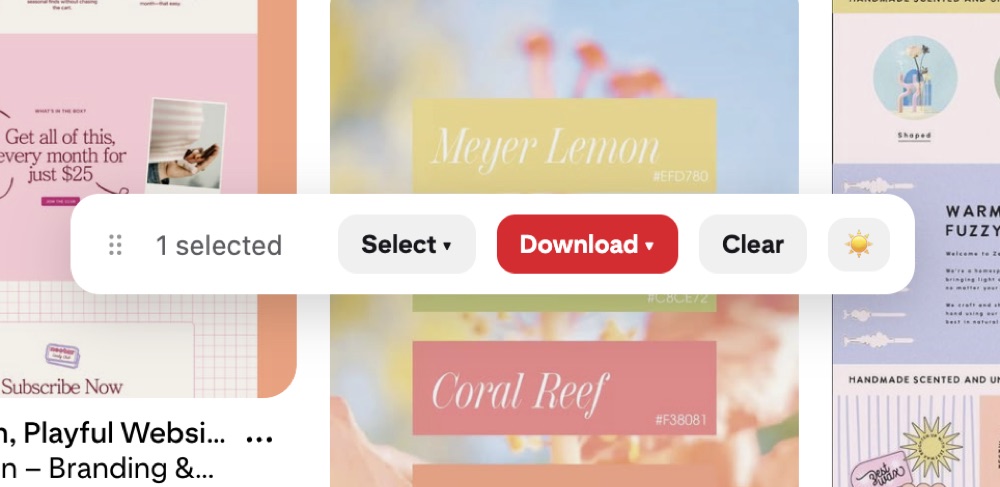
Fresh pins beat re-saving
A "fresh pin" just means a new image Pinterest hasn't seen before, even if the link goes to an old post. Saving your existing pin again to another board does almost nothing now. Making a brand-new graphic for that same post is what gets you back in front of people.
Make new pins for old posts
Go through your best-performing older content and design a new pin for each. Change the photo, rewrite the headline, try a different layout from your template set. One old blog post can carry three or four different pins over time, each pulling in a slightly different audience.
Don't spam duplicates
There's a line between refreshing and flooding. A few habits keep you on the right side:
- don't save the identical pin to a dozen boards in a row;
- space new pins for the same post weeks apart;
- make the new pin genuinely different, not a recolor.
Duplicates dumped fast look like spam and can drag down your reach.
Keep your originals on hand
Remaking pins is easier when the source images are already on your computer instead of buried in old posts. Revapin downloads your pins and boards into folders, so you keep the originals ready to remix, pulling last year's photo into a new layout without digging through your site or Pinterest to find it again.
Pick your strongest old posts, make a fresh pin for each, and space them out. You get more mileage from work you already did, without annoying the people who already follow you.
Revapin is not affiliated with, sponsored by, or endorsed by Pinterest. Pinterest is a trademark of Pinterest, Inc.