 Revapin
How to Save Pinterest Images in Full Quality
The picture you save from Pinterest is usually smaller than the one that was uploaded. Pinterest keeps several sizes of every image and shows a compressed preview in the feed, so a right-click save often gives you that preview instead of the full file. Getting the original takes a couple of extra steps, and it's worth doing whenever you plan to print or zoom in.
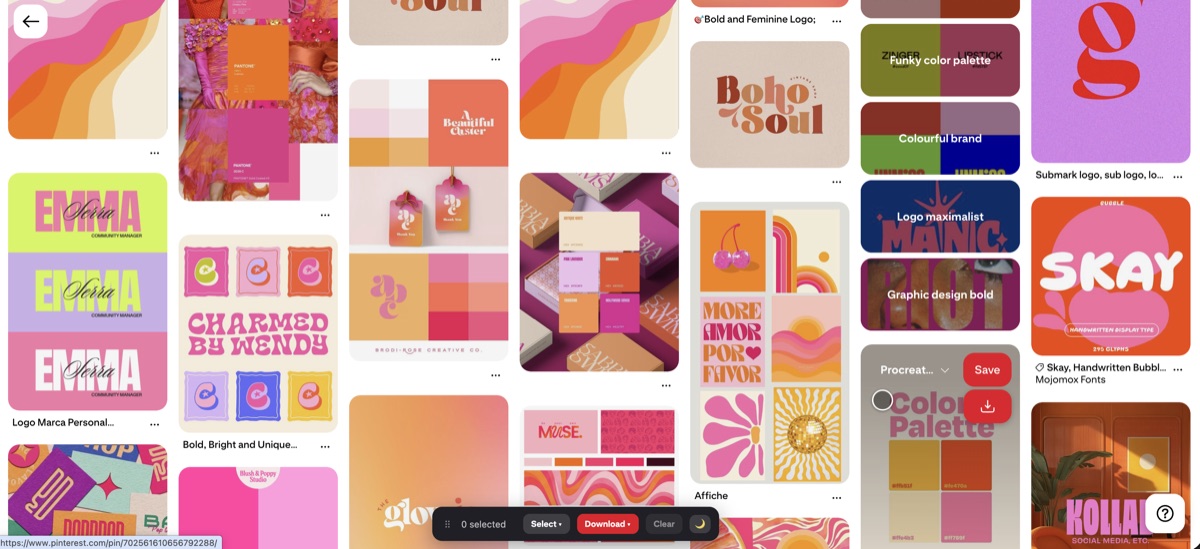
Why your saved pins look soft
Every pin exists at a few resolutions on Pinterest's servers. The one you see while scrolling is deliberately small so the page loads fast. When you right-click and choose Save image as, you get whatever size was on screen, which on a busy board can be a few hundred pixels wide. It looks fine in the browser, then falls apart the moment you open it at full size or drop it into a layout.
Open the pin before you save
Clicking into a pin opens its detail page, where Pinterest usually loads a larger version than the board thumbnail. Saving from there is a step up, though it still isn't guaranteed to be the original the creator uploaded. For a quick save it's usually good enough. For anything going to print, it often isn't.
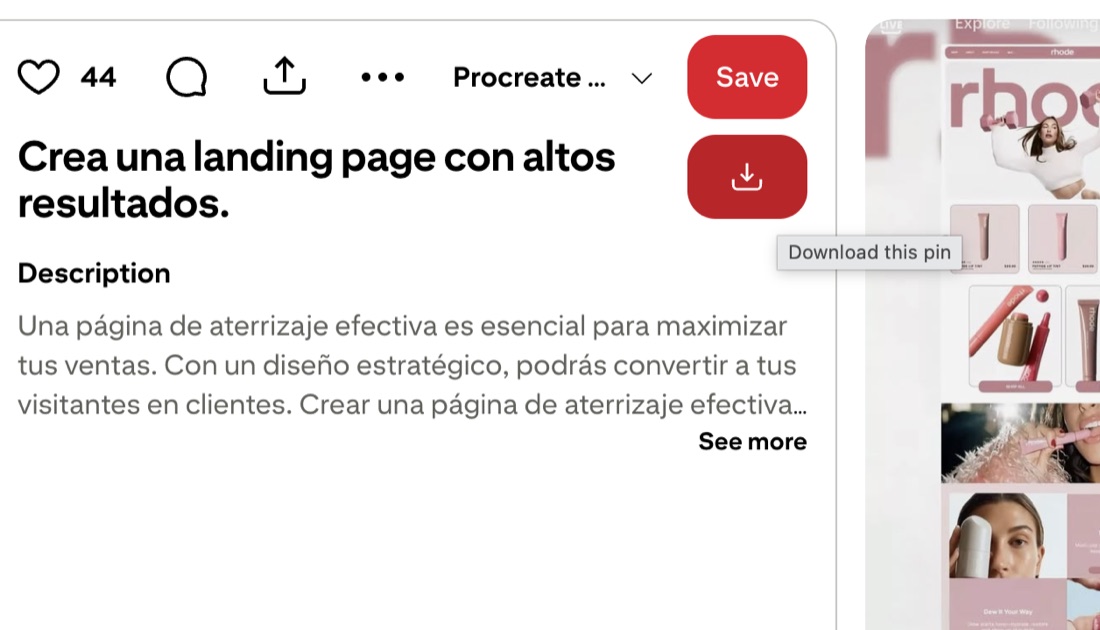
The URL trick, and its limits
Pinterest image links carry the size right in the path. You'll see a segment like 236x, 564x, or 736x in the address:
- 236x — the small feed thumbnail;
- 564x or 736x — the larger detail views;
- originals — the full uploaded file, when it's available.
Swapping that segment for originals sometimes loads the full-resolution image, which you can then save. It's fiddly, it doesn't work on every pin, and it does nothing for video. For one important image it's worth trying. For a whole board, editing URLs by hand isn't realistic.
Getting the original automatically
A browser extension can skip all of that by requesting the original file directly. Revapin pulls the full-resolution version of each pin, so you don't guess at URLs or settle for a thumbnail. You tick the pins you want and download them, and what lands on your computer is the real file rather than the preview.
It's free to add, and it handles a whole board the same way it handles one pin.
When the difference actually shows
A lot of this stays hidden on screen. A soft image looks acceptable on a webpage and in a small thumbnail. Print is where it breaks, along with anything you scale up in a design, like a texture stretched across a background or a photo cropped in tight. If the pin is only ever going to sit in another Pinterest board, the preview is fine. If it's going into real work, start from the original.
Using the files
Higher resolution doesn't change who owns the image. Full-size files are still the creator's work, so keep them for reference, credit where you can, and don't republish them as your own.
Most of the effort here comes down to avoiding the thumbnail. Open the pin, try the originals path, or let an extension grab the full file, and your saved images hold up when you actually use them.
Revapin is not affiliated with, sponsored by, or endorsed by Pinterest. Pinterest is a trademark of Pinterest, Inc.