 Revapin
How to Set Up Product Pins for Your Online Shop
Product pins pull live price and availability straight from your site, so the pin shows the current price without you touching it. Set them up once and every product you pin from that page carries the details a shopper checks before clicking.
What a product pin actually shows
A product pin is a type of rich pin. It reads structured data from your product page and displays the price, whether the item is in stock, and where to buy. When you change a price on your site, the pin updates on its own. Shoppers see the real number, not one that went stale months ago.
Add the metadata Pinterest reads
Pinterest pulls product details from tags on your page. Most platforms handle this for you. If you're on Shopify, WooCommerce, or Squarespace, rich pin data is usually already in the page markup. On a custom site, add Open Graph product tags: price, currency, and availability. The tags tell Pinterest what to display and where to find the current values.
Validate and turn rich pins on
Once the tags are live, run one product URL through Pinterest's rich pin validator. It checks that the data is readable and applies rich pins across your whole domain. You do this once per site, not once per product. After it clears, pin any product page and the price shows up automatically.
Point each pin at its own product page
Link a pin to the exact item it shows, not your homepage or a category grid. A few things to keep straight:
- use a tall image, since vertical pins take up more room in the feed;
- write the product name and a search term people would actually type;
- send the click to the single product URL, not the shop front.
Someone who taps a pin of one lamp wants that lamp's page. Any extra step between the pin and the buy button costs you sales.
Study the product pins that convert
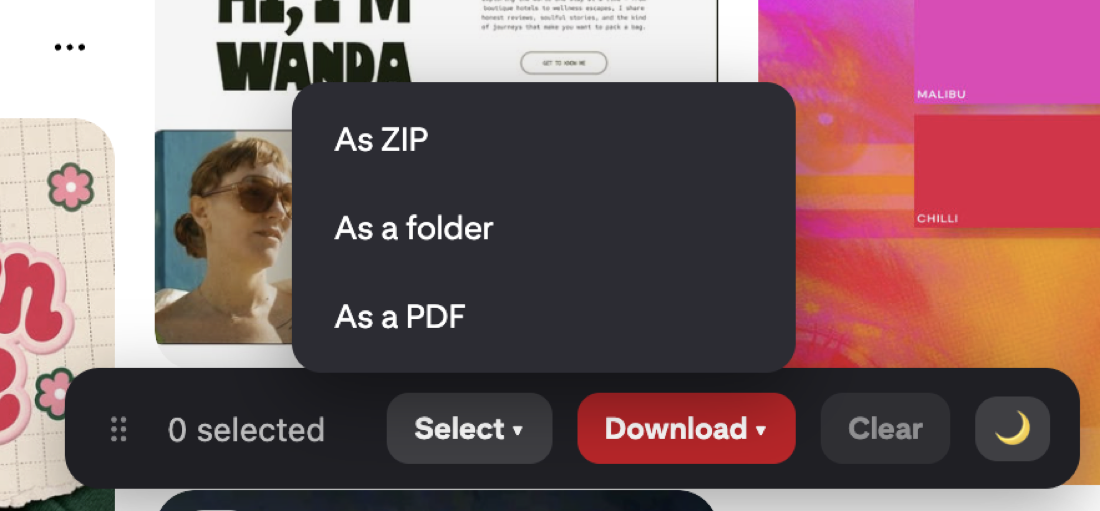
The top product pins in your category show you how other shops crop, style, and label their items. Saving a batch of them gives you a reference set to model your own photos and titles against. A download extension like Revapin pulls those pins to your computer so you can keep a swipe file of pins that sell and check it while you shoot new listings.
Add the product tags, validate once, and link each pin to its own page. From there the price and stock stay accurate on their own, and your pins keep sending ready buyers to the exact item they clicked for.
Revapin is not affiliated with, sponsored by, or endorsed by Pinterest. Pinterest is a trademark of Pinterest, Inc.