 Revapin
How to Use Pinterest Analytics to Improve Your Strategy
Pinterest Analytics tells you which of your pins are working and why. Focus on three numbers — impressions, saves, and outbound clicks — find the pins that score highest, and make more pins like them. That loop is the whole strategy.
The three numbers that matter
Impressions show how often a pin appeared. Saves show how many people wanted to keep it, which is Pinterest's strongest signal of a good pin. Outbound clicks show how many people went to your site. A pin with lots of impressions but few saves has a reach problem solved; it's the image or hook that's falling flat.
Find your top performers
Sort your pins by saves or by clicks in the Analytics tab. The ones at the top are telling you what your audience wants. Look for the pattern — a certain image style, a certain topic, a certain kind of headline. That pattern is worth repeating.
Do more of what works
Once you know your winners, the move is simple: make variations. Same topic, fresh image. Same layout, new photo. Pinterest rewards fresh pins, so remaking a proven idea with a new graphic gives you another strong pin without reinventing anything. A quick checklist each month:
- note the three pins with the most saves;
- make two or three fresh variations of each;
- drop the formats that never gained traction.
Save your top pins to remake variations
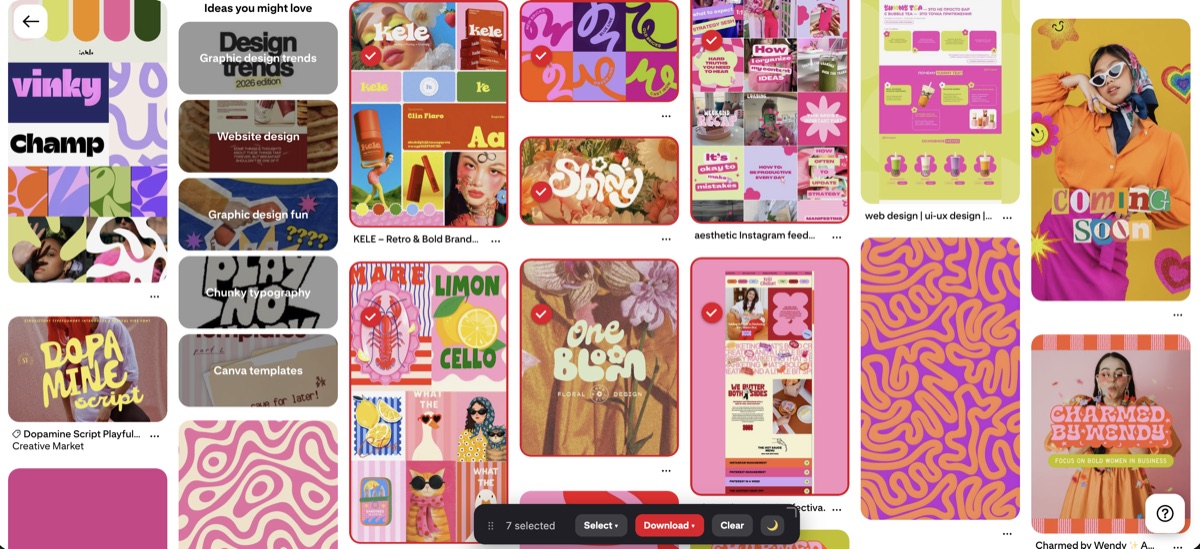
To build variations you want your best pins in front of you, not buried in the feed. A download extension pulls them onto your computer at full quality. Revapin saves your top pins so you can open them in your design tool, keep the layout that worked, and swap in a new image for the next batch.
Check Analytics monthly, not daily. Find the pins earning saves and clicks, make more like them, and let the weak ones fade. That's how the data actually improves what you post.
Revapin is not affiliated with, sponsored by, or endorsed by Pinterest. Pinterest is a trademark of Pinterest, Inc.