 Revapin
Best Practices for Writing Pin Descriptions That Get Clicks
A good pin description does two jobs: it tells Pinterest what the pin is about so the right people see it, and it gives those people a reason to click. Lead with the benefit, write in plain words someone would search, and make the payoff clear. The image earns the look; the description earns the click.
Lead with the benefit
Put the payoff in the first line, because that's often all a scroller reads. "15-minute weeknight pasta with pantry staples" works because it names the reward up front. Compare that to "a recipe I made," which makes the reader do the work of figuring out why they'd care. Say what they get, then fill in the details.
Use real keywords, naturally
Pinterest reads your description to place the pin in search, so include the terms people actually type. Weave them into a sentence rather than stacking them — "cozy fall living room decor ideas" inside a real line beats a comma-separated list. Write for a person first and the search engine second, and you'll usually satisfy both.
Say what the click delivers
People click when they know what's on the other side. Set that expectation clearly:
- name the format — full recipe, free template, step-by-step guide;
- hint at the takeaway they'll leave with;
- keep it honest, so the landing page matches the promise.
Study descriptions of top-performing pins
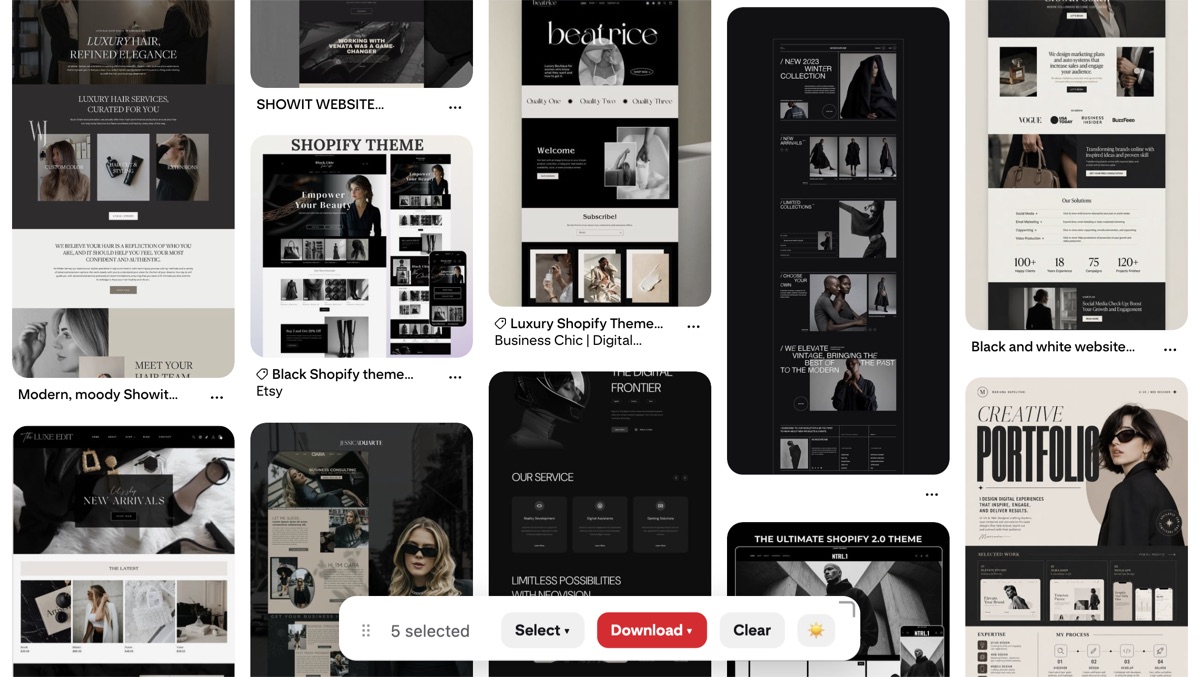
The best teacher is the pins already winning in your niche — reading how they phrase the benefit and place keywords shows you patterns fast. A browser extension can save those top performers so you can compare their descriptions offline; Revapin downloads pins and boards to your drive at full resolution, giving you a swipe file to study whenever you're writing.
Lead with the reward, use the words your reader would search, and make the click's payoff obvious. Do that consistently and your descriptions start pulling their weight next to the image.
Revapin is not affiliated with, sponsored by, or endorsed by Pinterest. Pinterest is a trademark of Pinterest, Inc.