 Revapin
Pinterest Boards vs Sections: How to Organize Properly
On Pinterest, a board is a collection around a theme, and a section is a group inside that board. Most people make boards and never touch sections, which is exactly why a board with a few hundred pins turns into a wall you can't find anything in. Sections are the fix, and knowing when to reach for a new board instead is the other half of it.
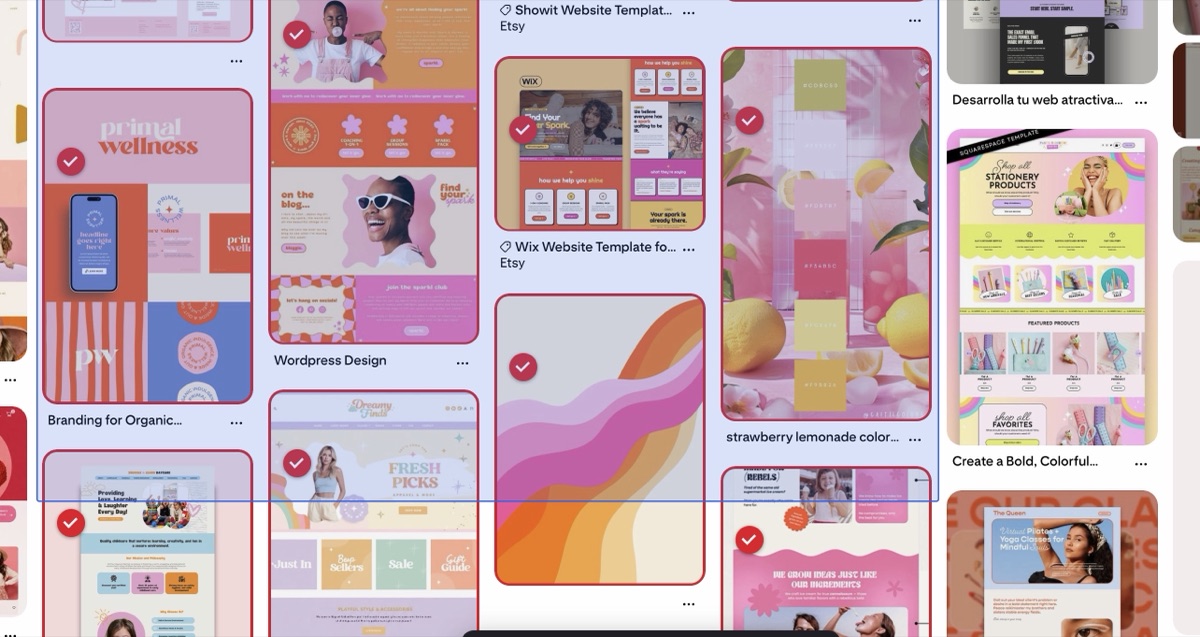
What each one actually does
A board holds pins around one idea: a wedding, a kitchen remodel, a brand you're designing. A section splits that board into smaller groups, so the kitchen board can have separate runs of pins for materials, lighting, and layout. Same board, but the pins sit in labelled groups instead of one endless scroll.
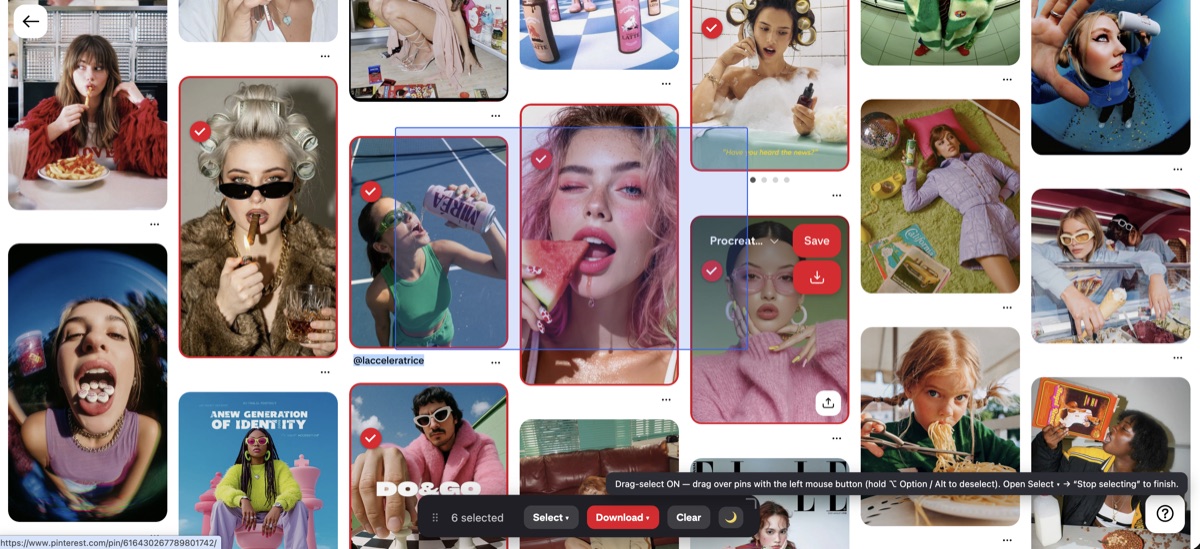
When to make a new board, and when to make a section
A new board makes sense when the topic is genuinely separate: a different client, a different project, a different part of your life. A section makes sense when it's the same topic seen from another angle. If you're designing one brand, that's a board, and logos, colors, and packaging are sections inside it. Pick up a second client and that's a second board, not a section.
Why the structure pays off later
Sections make a board easier to:
- search, since you jump to the group instead of scrolling the whole thing;
- share, because you can point someone at one section;
- export, as the sections come down as separate folders.
Keeping the structure when you leave Pinterest
The organizing only helps while you're inside Pinterest, unless you can take the structure with you. An export tool that understands sections keeps them intact. Revapin saves each section as its own folder when you download a board, so the groups you set up online carry straight onto your computer.
Fixing a board that's already a mess
If a board is already three hundred unsorted pins, Pinterest lets you add sections and move pins into them after the fact, though it's slow going in bulk. There's a separate guide on cleaning up messy boards if that's where you are. Starting sections early is easier than retrofitting them.
Use boards for separate topics and sections for the facets of one. Do it as you pin, and a board stays usable however big it gets.
Revapin is not affiliated with, sponsored by, or endorsed by Pinterest. Pinterest is a trademark of Pinterest, Inc.