 Revapin
Pinterest for Bloggers: Driving Traffic to Your Website
For a blogger, Pinterest is one of the few traffic sources that keeps giving long after you hit publish. A pin linking to a post can rank in search for years, quietly sending readers while newer platforms have moved on. It rewards useful, evergreen content, which is exactly what most blogs are.
One post, several pins
Don't make a single pin per article and stop. Design a few different pins for the same post — different images, different text angles — and you get several chances to rank for related searches, all pointing at one page. Over time this is where a lot of blog traffic quietly comes from.
Write pins like search snippets
Treat the pin title and description as you would a headline and meta description:
- lead with the specific benefit or answer;
- use the words a reader would actually search;
- make the promise something the post keeps.
Match evergreen posts to evergreen pins
Your how-tos, guides, and lists are the posts that pay off on Pinterest, because people search for them indefinitely. News and time-sensitive posts fade. Put your pinning effort behind the content that stays relevant, and set up rich pins so the post title travels with the pin.
Build a swipe file of pins that work
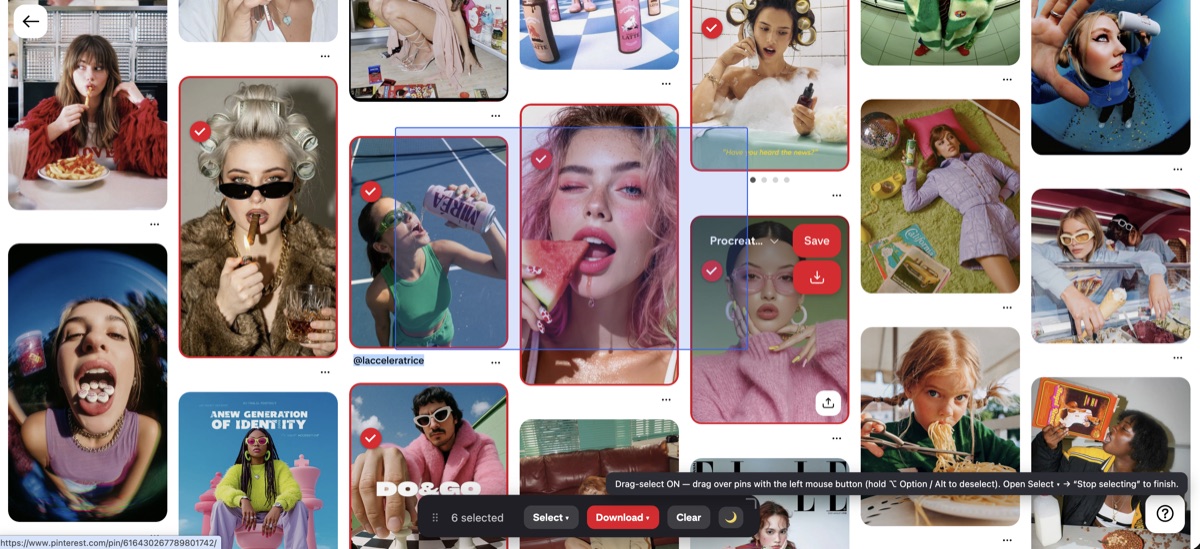
Bloggers in your niche who get traffic from Pinterest are demonstrating what pulls the click. Saving a set of their pins lets you study the hooks and layouts that earn saves. Revapin downloads them to your computer so you can keep a reference folder and design against proven examples instead of guessing.
Make several pins per evergreen post, write them like search snippets, and point them at content that stays useful. Kept up over months, Pinterest becomes a traffic source that works while you're writing the next post.
Revapin is not affiliated with, sponsored by, or endorsed by Pinterest. Pinterest is a trademark of Pinterest, Inc.