 Revapin
Group Boards on Pinterest: How to Join or Create One
A group board is a single board that several people can pin to. You join one by getting an invite from its owner, and you create one by making a board and adding collaborators from its settings. The draw is reach: your pins land in front of every contributor's audience, not just your own.
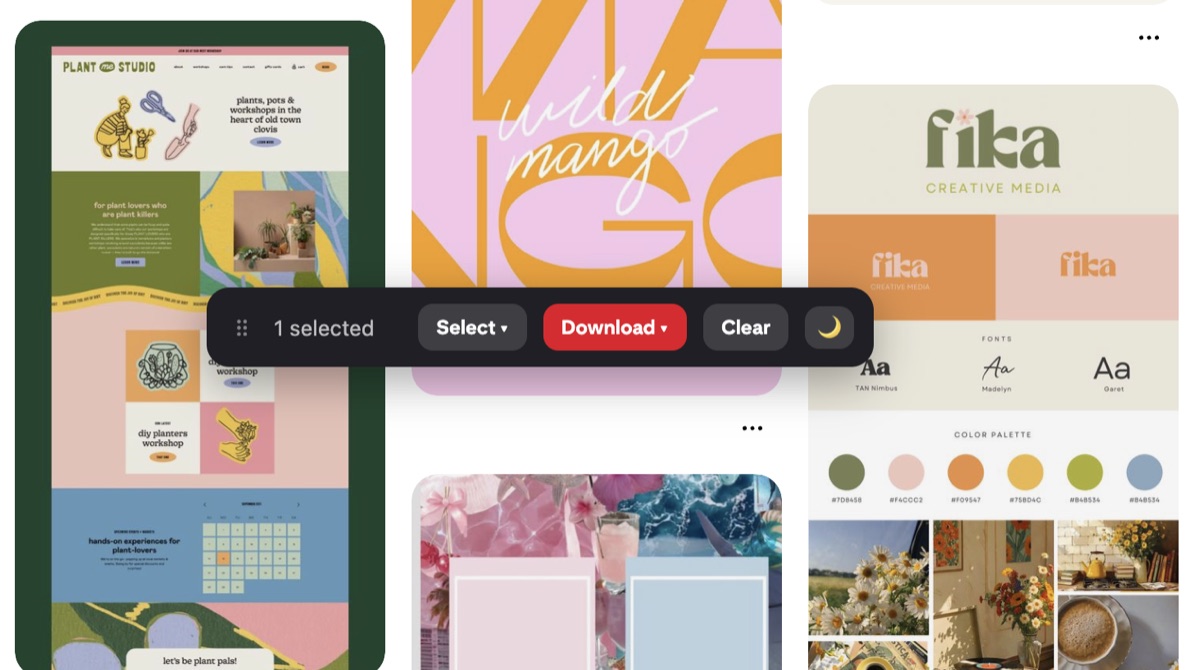
Finding a group board to join
Group boards look like normal boards, with small overlapping profile photos in the corner marking the contributors. Look through the boards of people in your niche, or check the profiles of accounts that post the kind of content you make. When you find one that fits, the owner usually explains how to request an invite in the board description or their bio. There's no central directory anymore, so this part takes some digging.
Running your own board
Create a board, open its settings, and use the option to invite collaborators by name or email. Starting your own means you set the rules and you don't wait on anyone. Write a short description of what belongs on the board and what doesn't, so new members know the topic before they pin.
Board etiquette that keeps it useful
A group board dies when it fills with off-topic or repeated pins. A few habits keep it healthy:
- only pin content that matches the board's stated topic;
- don't dump ten of your own pins in a row;
- save other members' pins too, not just your own.
Owners can remove pins and contributors, so treat a spot on a good board as something you keep by behaving.
Back up a board you rely on
If a group board sends you steady traffic or holds years of collected pins, losing access to it stings. Owners can delete boards or drop contributors without warning. Revapin downloads a whole board into a folder on your computer, so you keep a copy of the pins you care about even if the board disappears or you're removed from it.
Join a couple of active boards that match what you make, or start one and invite people you already trust. The reach is real, but only if the board stays on topic and the pins stay worth saving.
Revapin is not affiliated with, sponsored by, or endorsed by Pinterest. Pinterest is a trademark of Pinterest, Inc.