 Revapin
Pinterest Search Tips: Find Better References Faster
Pinterest is at its best a few layers past the first results, and most people stop at the surface. A plain search gives you the obvious, popular pins. A few habits get you to the specific reference you actually had in mind.
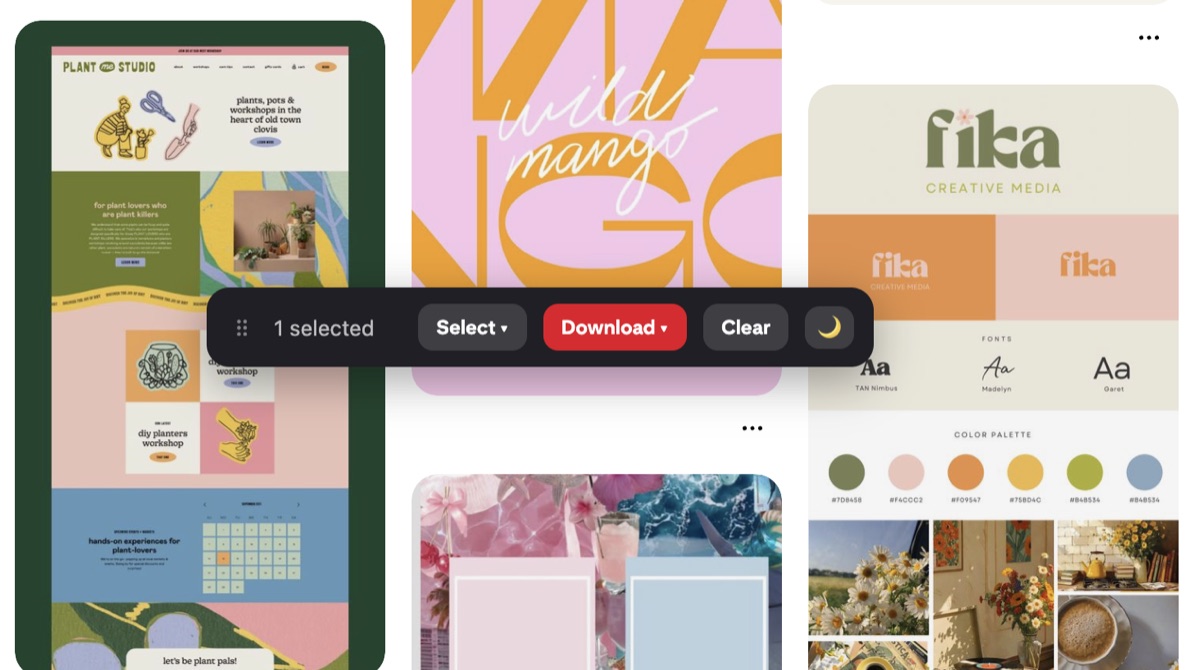
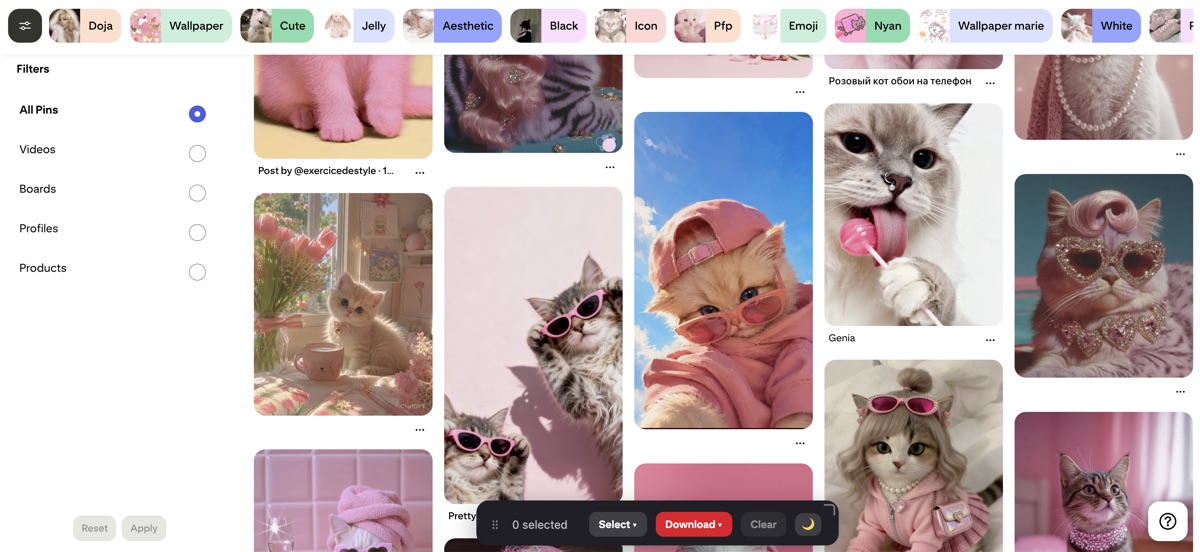
Use the filter chips after you search
Once results load, a row of chips appears at the top. They let you narrow by things like color, style, or format, and they're the fastest way to go from a broad term to a precise one. Searching “living room” and then filtering to a single color does more than typing a longer phrase, because you're steering the results Pinterest already pulled rather than guessing at keywords.
Search inside a board
A board you've built up over months has its own search. When you're on a board, the search box scopes to that board's pins instead of all of Pinterest, so you can dig a specific reference out of your own collection without scrolling. This gets more useful the bigger the board.
The “More ideas” button
Open a board and Pinterest offers a “More ideas” view built around what's already pinned there. It reads the theme of the board and feeds you related pins, which beats a fresh keyword search when you want more of a very specific direction you've already started collecting.
Follow topics, not only people
Following individual accounts narrows your feed to whatever those few people post. Following topics widens it back out around a subject, so the ambient stream you scroll is closer to what you actually work on. It quietly improves every search you don't run, since the home feed starts surfacing the right kind of thing.
Keep the good ones before they vanish
Search is only half the job; the references you find are worth keeping somewhere more permanent than a board that could change. Once you've gathered a tight set, Revapin saves them straight to your computer as images, a folder, or a PDF, so a good search session turns into files you own rather than pins that might disappear later.
A few smaller habits
These add up over time:
- save searches as boards, so a recurring hunt has a home;
- use plain, specific words rather than long phrases;
- open a pin to see visually similar ones underneath it.
Most of getting good at Pinterest search is refusing to stop at the first screen. Filter, scope to a board, and lean on the related-pin features, and the reference you pictured is usually a step or two away.
Revapin is not affiliated with, sponsored by, or endorsed by Pinterest. Pinterest is a trademark of Pinterest, Inc.