 Revapin
What Are Pinterest Tags and Why Do They Matter
Pinterest tags are topic labels you attach to a pin so the platform knows what it's about. They help Pinterest categorize your content, feed it to the right searches, and suggest it under related pins. Get your tags right and the same pin reaches people who never followed you.
What tags actually do
When you create a pin, Pinterest lets you add topic tags describing its subject — "minimalist kitchen," "watercolor lettering," and so on. These aren't hashtags in the Instagram sense; they're structured categories the algorithm reads to decide where the pin belongs. The closer your tags match how people search, the more often your pin turns up in those searches.
Tags on boards vs. pins
Pins carry their own tags, and boards get categorized too. A well-named board with a clear description reinforces what its pins are about, so Pinterest treats the whole board as a signal. If your board is "Cottagecore Bedrooms" and every pin fits, the algorithm reads the collection as coherent and trusts it more.
Choosing tags that help
Vague tags waste the slot. Specific ones match real searches and pull the right audience:
- use terms people actually type, not clever names;
- match the tag to what's really in the image;
- keep them tight to the subject, not broad catch-alls.
Study well-tagged top pins
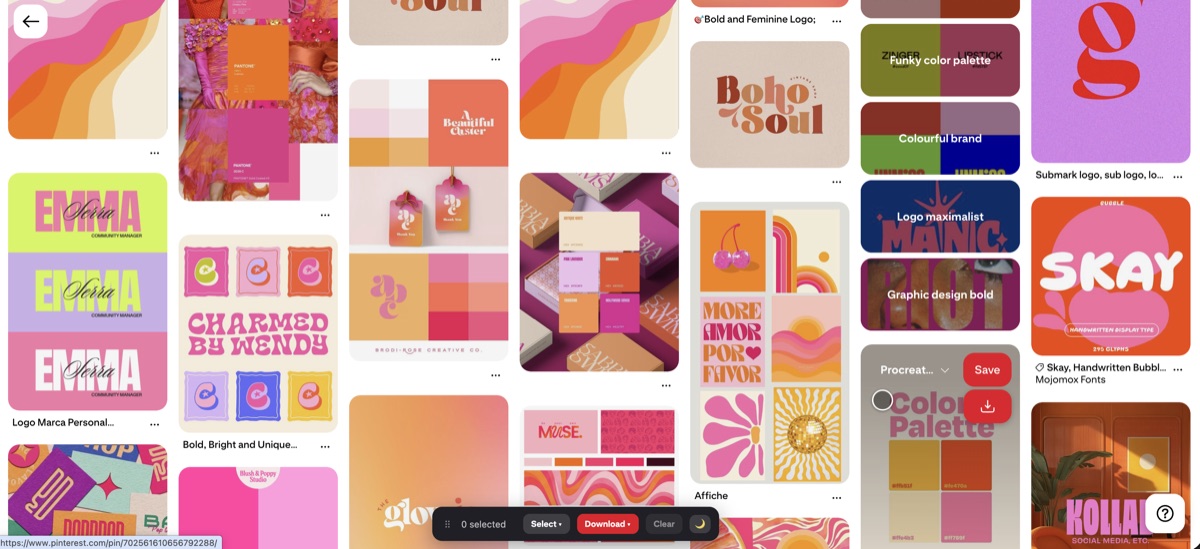
The fastest way to learn tagging is to examine pins that already rank well in your niche and see how they're labeled and described. A browser extension can save those top performers so you can study them side by side offline; Revapin downloads pins and whole boards to your drive at full resolution for exactly that kind of review.
Think of tags as the instructions you hand the algorithm. Feed it accurate, specific labels and it puts your pins in front of the people already searching for them.
Revapin is not affiliated with, sponsored by, or endorsed by Pinterest. Pinterest is a trademark of Pinterest, Inc.