 Revapin
How to Create a Pin from Scratch
Making a pin is quick; making one that gets noticed takes a bit of thought about size, image, and text. The feed is a crowded, scrolling wall, so a pin has a second or two to earn a tap. Here's how to give it the best chance.
Start with the right shape
Design to a 2:3 vertical ratio, around 1000 by 1500 pixels. Vertical pins fill more of the feed and get seen; square and landscape ones shrink beside them. There's a full guide to pin sizes, but 1000 × 1500 is the shape to build around.
Lead with a strong image
The image does most of the work. Use one clear, high-resolution photo or graphic rather than a busy collage, and make sure the subject reads at a glance. A pin that looks good small will always beat a detailed one that only works full size, because almost no one sees it full size first.
Add text that earns the click
If you put text on the pin, keep it short and legible:
- a few words, high contrast against the background;
- kept away from the edges, which can get cropped;
- saying what the click delivers, not just a vague title.
Then write a plain, specific description underneath, since Pinterest reads it when deciding who to show the pin to.
Study pins that already work
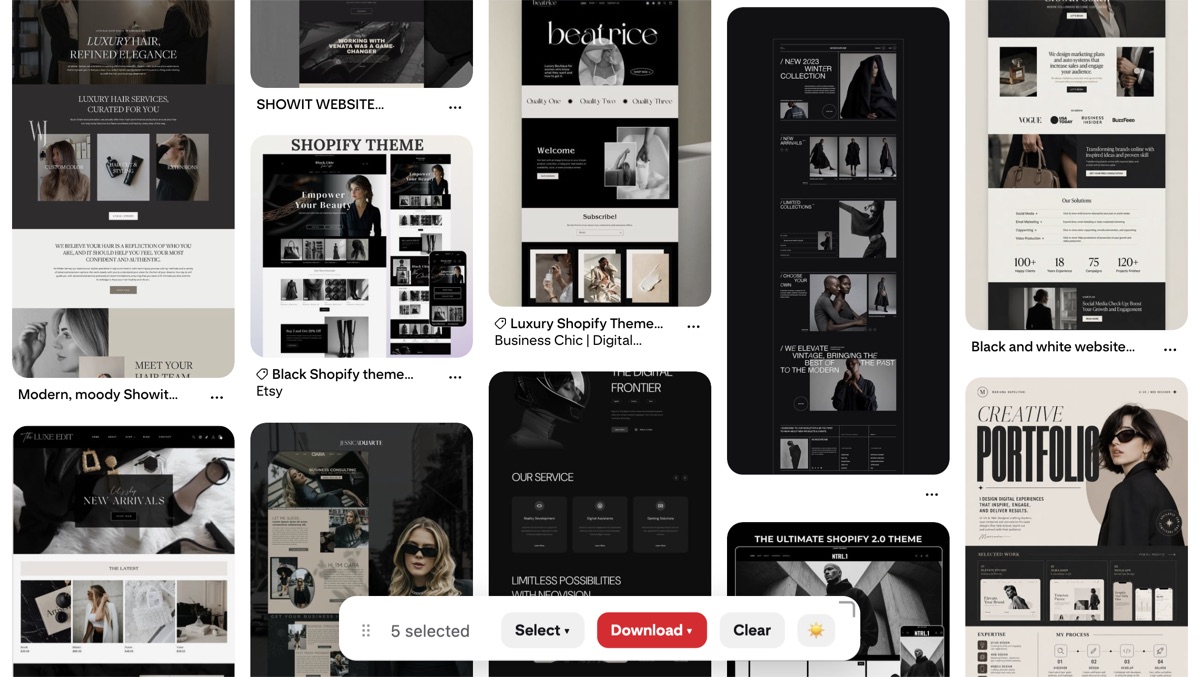
The fastest way to improve is to look closely at pins performing well in your niche — their crop, text placement, and proportions. Revapin downloads a set of them to your computer at full resolution, so you can study the real layout instead of guessing from the small feed preview.
Publish and link it
Upload the image, add your description, and set the destination link so the pin sends people somewhere useful. A pin with no link is a dead end; a pin that leads to a matching page is the whole reason to make one. Save it to the right board, and you're done.
Right shape, one clear image, a few honest words, a working link. Get those four in place and your pin is already doing more than most of the feed around it.
Revapin is not affiliated with, sponsored by, or endorsed by Pinterest. Pinterest is a trademark of Pinterest, Inc.