 Revapin
How to Download Pinterest Boards, Pins & Videos (2026 Guide)
The first few hundred pins are easy to collect. The trouble tends to start later, when you want to use them outside Pinterest as files on your computer rather than saved states inside an app. You can pin something to another board, but there's no built-in way to drop it on your desktop the way any other website lets you. This runs through how people get their images and videos out, and where each method falls short.
When exporting pins makes sense
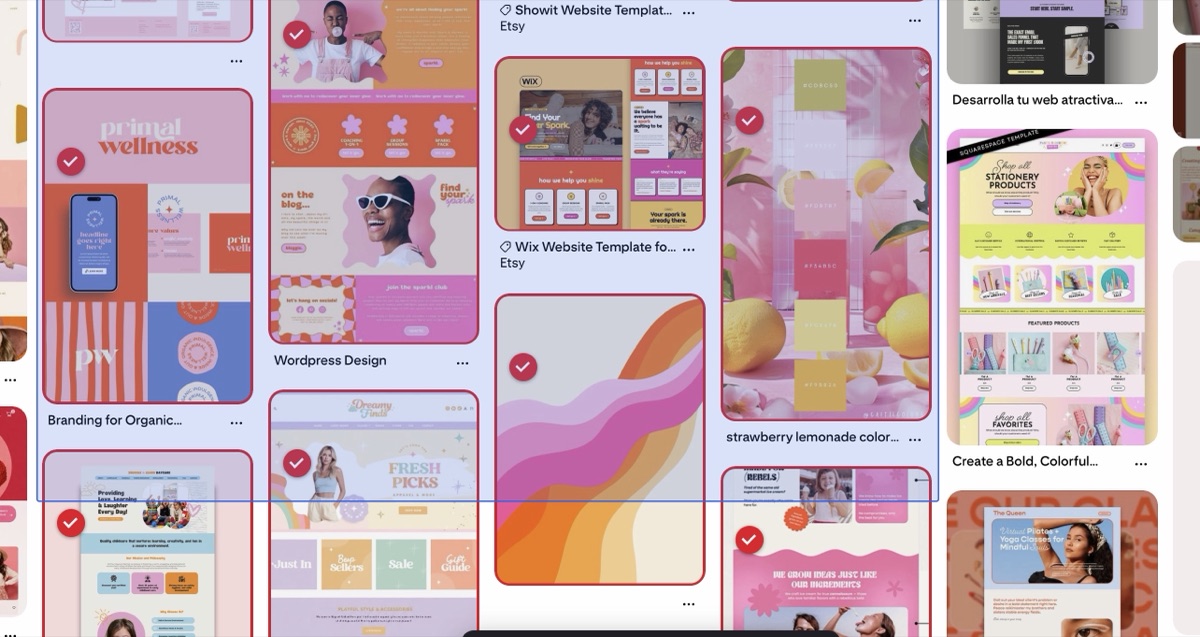
People download their pins for fairly ordinary reasons. A designer building a moodboard wants the images available offline, without a browser tab open across three meetings. Someone planning a renovation wants their kitchen references in a folder they can flip through on site, where the wifi is bad. People also lose pins fairly often. Accounts get shut down, links break, and a board that took months to build slowly comes apart. And if you've spent an evening sorting references into sections, doing anything with them later usually starts with getting them off Pinterest first.
Saving pins one at a time
You can right-click most pins and choose “Save image as.” Saving a handful this way is manageable. A board with a few hundred pins is a different matter, and it becomes dozens or hundreds of repetitive downloads, each with a cryptic filename. The files also arrive at whatever size Pinterest showed on the page, which is usually a smaller preview than the original.
Downloading many pins at once
Browser extensions handle this by adding download controls directly inside Pinterest. Revapin follows that approach: you tick the pins you want, or grab a whole board in one action, then pick how to save them.
- a ZIP archive, easiest for a big batch;
- a plain folder of image files;
- a single PDF, which doubles as a moodboard.
Everything runs in your browser, so the files land in your Downloads folder at full resolution and nothing gets uploaded to another site.
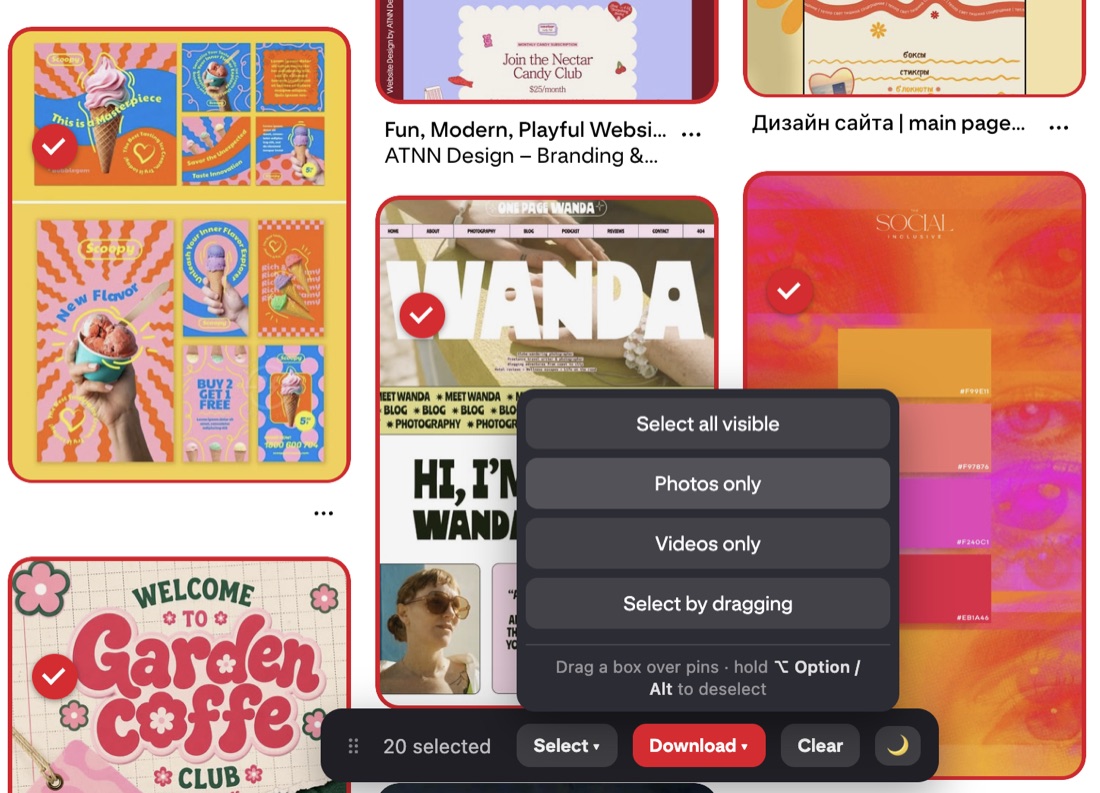
It installs in a couple of clicks and works on any board or profile you open, so this is the point where the hundred-right-clicks problem mostly goes away.
Videos and idea pins
Video pins work differently from images. Pinterest gives them no save button, and right-clicking leads nowhere useful, since the video streams in pieces rather than arriving as one file. Some extensions can pull the original video and hand it back as a usable MP4. Revapin treats a video pin the same as an image, so it comes down with everything else. Idea pins are their own thing, closer to a slideshow of separate pages, and each video page has to be pulled individually. There's a separate guide on saving Pinterest videos if that's mostly what you're after.
Whole boards, sections, and profiles
If your boards are split into sections, it's worth keeping that structure once they're on your computer. Some tools keep each section as a separate folder rather than merging everything into one, and can pull an entire profile when you want it all. Large boards get split into several archives, which reduces browser memory problems when you export a big one.
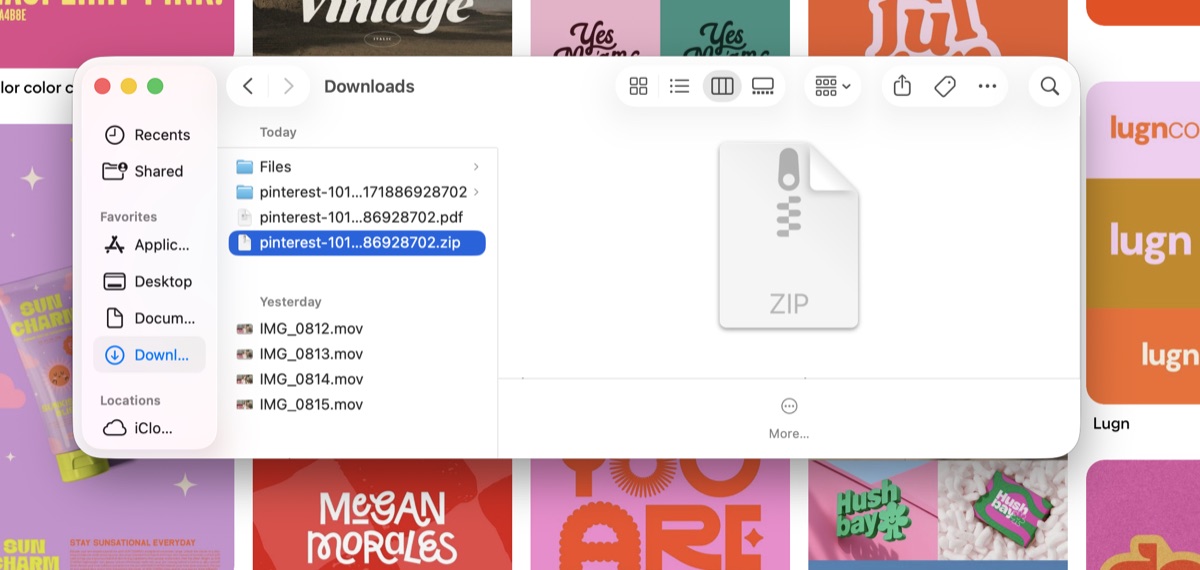
Image quality
Most people don't think about image quality until they zoom in on a downloaded file. Pinterest shows a downscaled preview in the feed so it loads quickly, so a pin that looked sharp while scrolling can come out grainy at full size. Pulling the source image avoids that, which matters most for anything you plan to print or blow up in a design.
Reusing Pinterest content
Downloading for your own reference is normal, though the images still belong to whoever made them. Keep saved pins for private inspiration, credit creators when you post something publicly, and don't pass someone else's work off as your own. If you're pulling material for client work, copyright matters more, and Pinterest's own terms are worth a read before you build a deliverable on top of borrowed content.
For anyone downloading from Pinterest regularly, an extension mostly saves you from repeating hundreds of manual saves, and keeps sections and full-resolution files intact along the way.
Revapin is not affiliated with, sponsored by, or endorsed by Pinterest. Pinterest is a trademark of Pinterest, Inc.