 Revapin
How to Save Pinterest Videos to Your Computer
Pinterest turned into a surprisingly good source of short video over the last few years: recipe clips, painting demos, renovation timelapses, hair tutorials. Saving one to your computer is harder than it should be. The save button on a video pin only copies it to another Pinterest board, and there is no download option anywhere in the app. Getting the actual file onto your laptop takes a workaround, and the method you pick decides whether you end up with a sharp MP4 or a muddy screen recording.

Why right-click and “save video as” fail
On most sites you can right-click a video and save it. Pinterest doesn't play along. The right-click menu gives you playback controls and, if you're lucky, “Copy video address,” but no save option. Even when you do copy an address, it usually points at a streaming playlist rather than a single file, so opening it in a new tab loads a wall of text or nothing at all. Pinterest serves its videos in pieces, the same way Netflix or YouTube do, which is why the old download trick no longer works.
Screen recording, and why it's a last resort
Recording your screen while the video plays does capture something. QuickTime on a Mac or the Game Bar on Windows will both do it. The output tends to disappoint, for a few reasons:
- you're filming a compressed video a second time, so it comes out softer than the original;
- your cursor and any notification that appears mid-recording end up in the clip;
- you have to trim the dead space at both ends by hand.
For a one-off it's passable. For anything you plan to reuse as a reference, the quality loss isn't worth the effort.
The method that gives you the real file
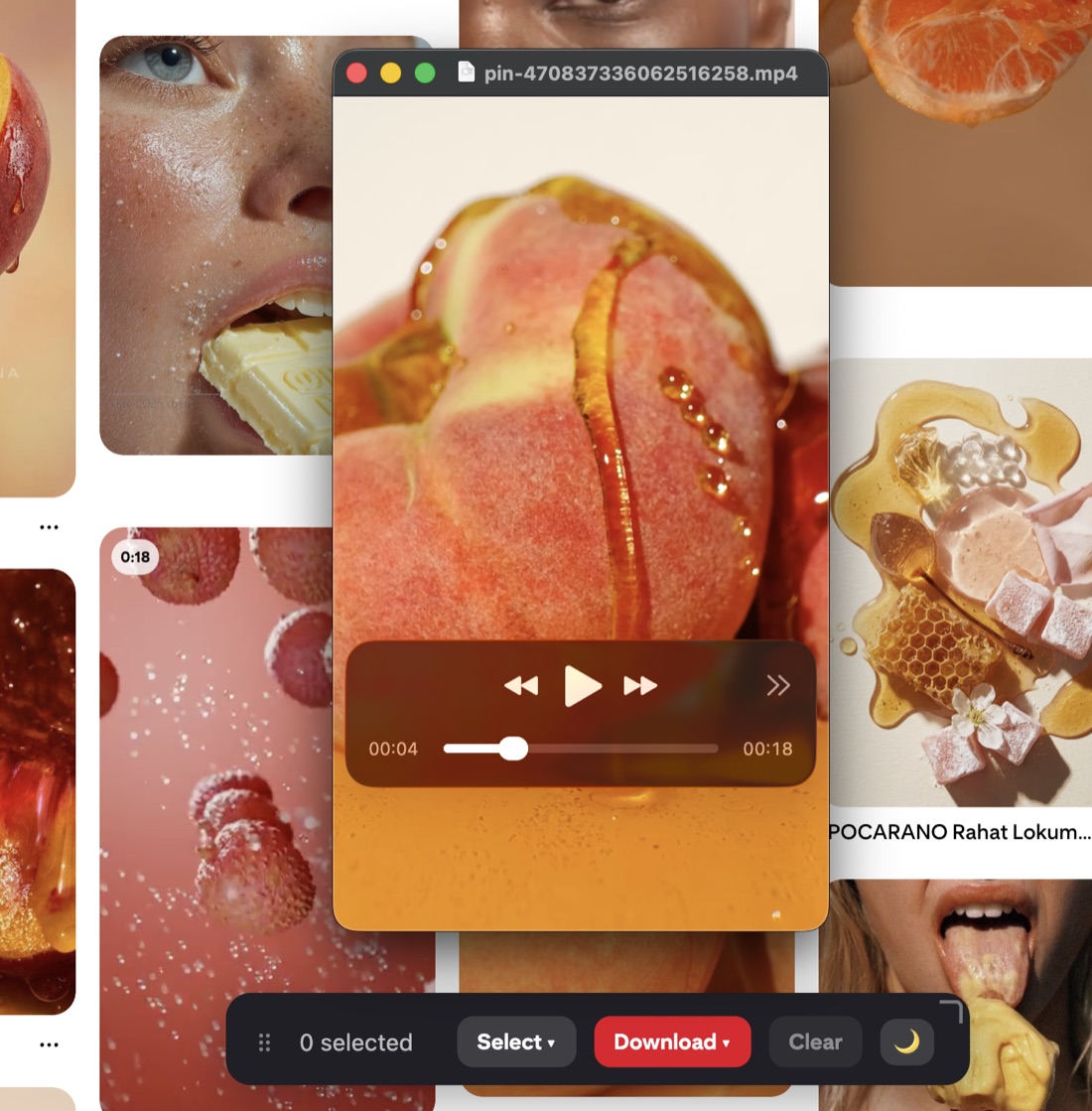
A browser extension that runs inside Pinterest can reach the source video and hand you the actual MP4 at full quality, with no re-recording. You open the pin, click download, and the file lands in your Downloads folder. Revapin works this way: it treats a video pin the same as an image pin, so ticking it and hitting download gives you a ready-to-use MP4 instead of a screen capture. Since it runs in your own browser, nothing gets uploaded and you never paste a link into some random site.
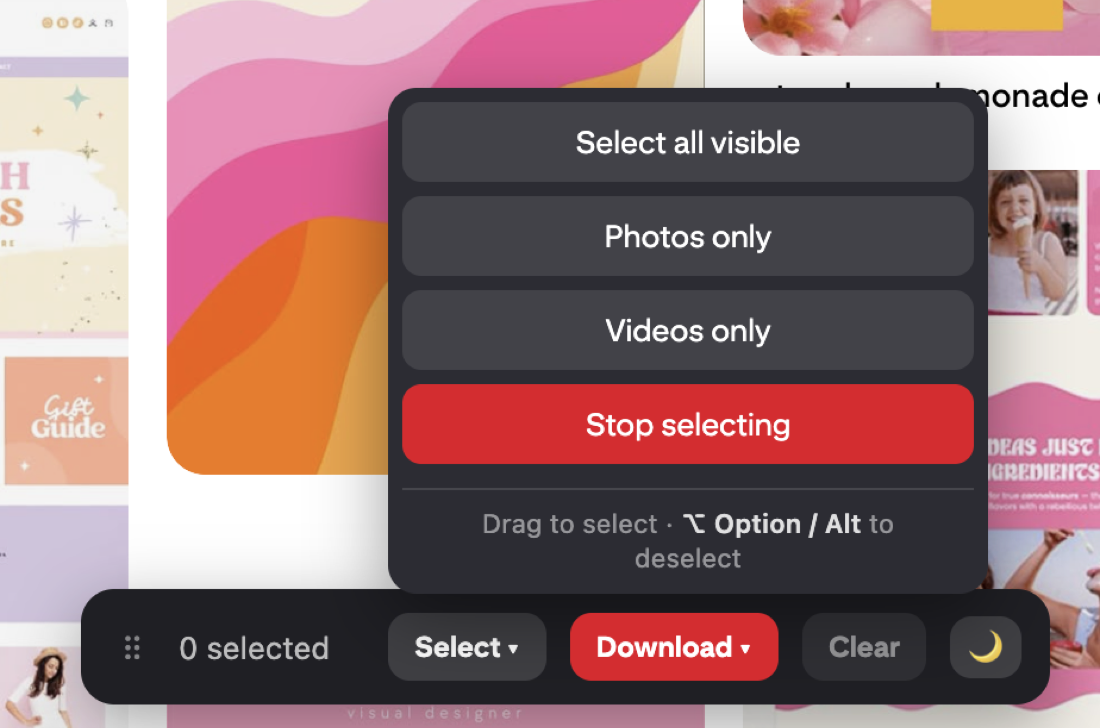

It's free to add and works on any video pin you open, which is the quickest way past the no-save-button problem.
Idea pins behave differently
Idea pins, Pinterest's multi-page format, aren't a single video. Each page can be its own clip, image, or text card, stacked into a small slideshow. If you want the moving parts, you're really after the individual video pages rather than one combined file. A tool that understands the format pulls each page separately. Screen-recording an idea pin usually means catching the whole sequence in one long take and cutting it apart afterward, which is more work than it sounds.
Getting the best quality
Aim for the source file rather than what's on screen. The version Pinterest shows in the feed is often downscaled so it loads faster, so a clip that looks fine while you scroll can turn grainy once it's on your machine and playing full size. Pulling the original avoids that. It matters most when you're saving demos or tutorials you'll want to slow down and study frame by frame.
Using what you save
Downloading a video for your own reference is normal, though the clip still belongs to whoever made it. Keep saved videos for private inspiration, credit the creator if you end up sharing, and don't repost someone's work as your own. Pinterest's terms cover this too, which is worth respecting if you're pulling material for client work.
If you save video from Pinterest with any regularity, an extension is by far the least painful option. Revapin handles video pins alongside whole boards and images, so one tick-and-download flow covers everything you'd want off Pinterest.
Revapin is not affiliated with, sponsored by, or endorsed by Pinterest. Pinterest is a trademark of Pinterest, Inc.