 Revapin
How to Make a Secret Board on Pinterest (and When to Use One)
A secret board is a board only you can see. It doesn't show on your profile, doesn't appear in anyone's feed, and doesn't get suggested to followers. It's the place for collecting that isn't ready to be public — or never will be.
How to create one
When you make a new board, flip the "Secret" toggle before saving. To hide a board you already have, open its settings and switch it to secret. You can turn a secret board public later, though going the other way — making a public board secret — is the more common move once something is done.
When a secret board earns its place
They're most useful when the collecting is personal or unfinished:
- client work and early ideas you can't show yet;
- gifts and surprises you don't want the recipient seeing;
- rough, messy research before you've decided anything.
You can also invite specific people to a secret board, which keeps a project visible to a collaborator and no one else.
Keeping a secret board private for real
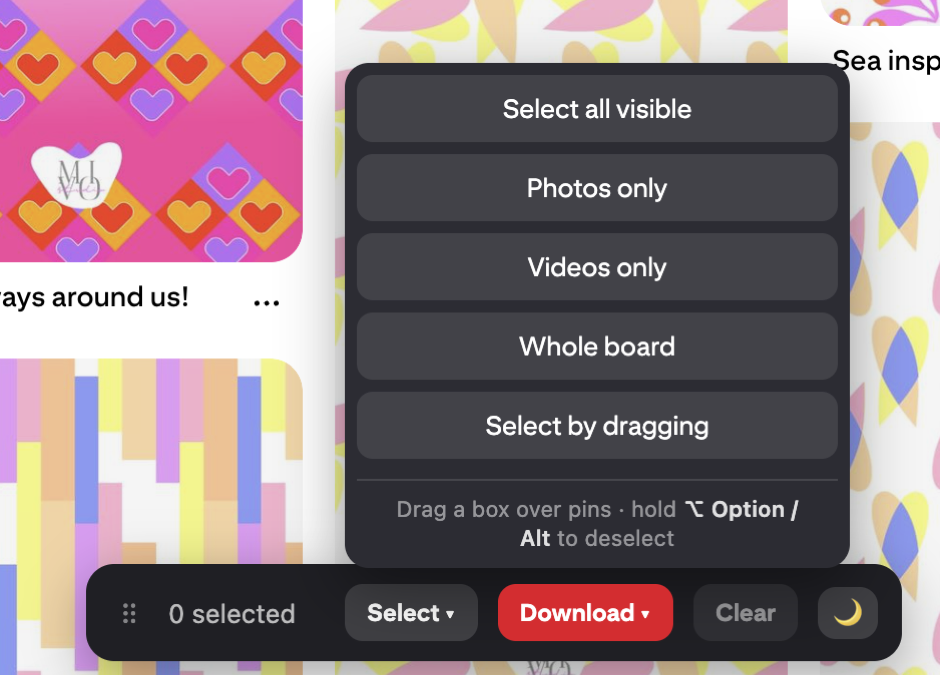
A secret board is private on Pinterest, but the pins still live on Pinterest's servers, not yours. If a board holds client work or anything sensitive, keeping a local copy means it's genuinely under your control. Revapin downloads secret boards the same way it does public ones, because it runs in your own logged-in browser — there's a fuller explanation here.
Use secret boards for anything you're not ready to show, invite collaborators when you need to, and keep a local copy of the ones that hold real work. Private on Pinterest and private on your own drive aren't quite the same thing.
Revapin is not affiliated with, sponsored by, or endorsed by Pinterest. Pinterest is a trademark of Pinterest, Inc.