 Revapin
What Is a "Pin" and How Is It Different from a "Board"?
A pin is a single image. A board is a collection of pins. That's the core of it: pins are the individual pieces you save, and boards are the folders you sort them into. Everything else on Pinterest is built on top of those two ideas.
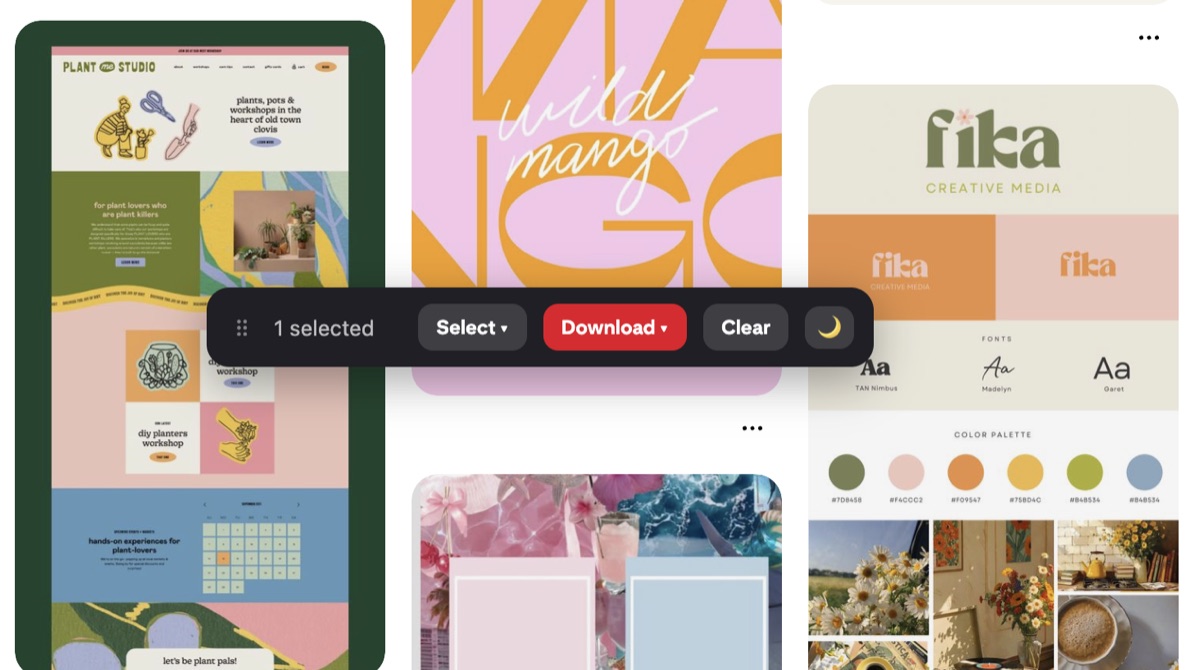
What a pin is
A pin is one image, and usually it links back to wherever it came from — a blog post, an online shop, a recipe page. When you tap a pin you can save it, follow its link, or see visually similar ones. Some pins are videos or multi-page idea pins, but the everyday pin is a still image pointing at a source.
What a board is
A board groups pins under a theme you choose. You might have one for a kitchen remodel, one for outfit ideas, one for a client's brand. Boards can be public or secret, shared with collaborators, and split into sections once they hold a lot. The board is the container; the pins are what goes inside.
How they work together
The flow is simple:
- you find a pin you like;
- you save it to a board;
- the board becomes your curated set on that topic.
Over time your boards turn into organized collections you can search, share, or come back to whenever you need that kind of reference.
Getting pins off the board
Both pins and boards live on Pinterest, not on your computer, so the images aren't really yours to keep until you save them as files. Revapin downloads a single pin or a whole board straight to your drive, which is handy when a board is genuinely useful and you don't want to lose it to a deleted pin.
Remember the pin as the piece and the board as the folder, and the rest of Pinterest reads clearly. You save pins; you organize them into boards.
Revapin is not affiliated with, sponsored by, or endorsed by Pinterest. Pinterest is a trademark of Pinterest, Inc.