 Revapin
Pinterest for Beginners: Mistakes to Avoid
Most beginner problems on Pinterest come from treating it like Instagram. The platform rewards a different set of habits, and a few early missteps make it feel cluttered and unhelpful. Here are the ones worth skipping from day one.
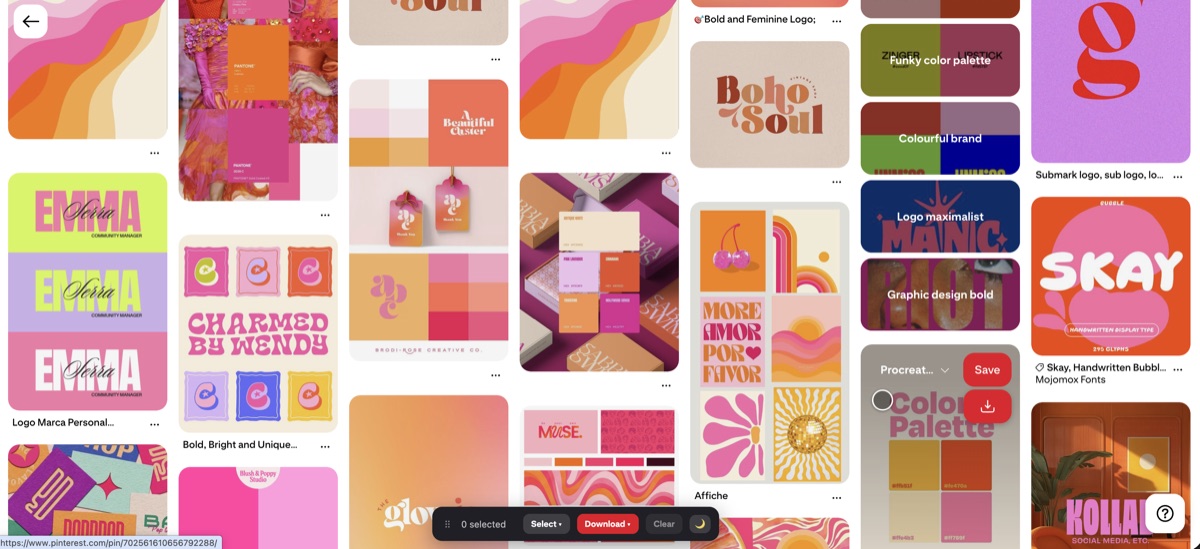
Saving everything to one board
The most common mistake is dumping every pin into a single "stuff I like" board. It fills up fast and becomes impossible to search. Make a board per real topic instead, and split boards into sections once they grow. Two minutes of sorting as you go saves an afternoon of untangling later.
Ignoring search
New users tend to scroll the home feed and stop there. Search is where Pinterest is strongest, and the filter chips at the top of results narrow things down quickly. If you only browse the feed, you're seeing a fraction of what's there and missing the specific references you're actually after.
A few smaller ones
These trip people up early:
- naming boards cleverly instead of clearly, so you can't find them;
- following only people, which narrows your feed — follow topics too;
- assuming a saved pin is safe forever, when the original can be deleted.
Not keeping a copy of the good stuff
That last one catches everyone eventually. A pin you loved disappears because the poster removed it, and there's nothing to fall back on. Once a board actually matters to you, Revapin saves it to your computer as files, so the references you rely on survive whatever happens to the original pins.
Sort as you save, lean on search, and back up the boards you'd hate to lose. Do those three from the start and Pinterest stays useful instead of turning into a pile you avoid opening.
Revapin is not affiliated with, sponsored by, or endorsed by Pinterest. Pinterest is a trademark of Pinterest, Inc.