 Revapin
How to Turn a Pinterest Board into a PDF Moodboard
When a project reaches the point of showing references to a client, a Pinterest link is rarely the right format. What works better is a moodboard as a single PDF — one file, no login, nothing to scroll. Getting a board into that shape takes either some manual assembly or an extension that exports it for you.
Why a PDF works better than a link
A shared board asks the other person to have Pinterest, log in, and scroll through everything, including the half-formed ideas you haven't cut yet. A PDF arrives as one attachment they can open anywhere, mark up, and forward. It also reads as more considered, since you chose the order and left out the noise.
Doing it by hand
The manual route is to save each image, lay them out in something like Canva, InDesign, or even Preview, and export to PDF. It works, and for a five-image board it's quick. For a board with fifty references, saving and placing each one turns into an afternoon, and you're back to thumbnail-quality images if you grabbed them straight off the board.
Exporting a board straight to PDF
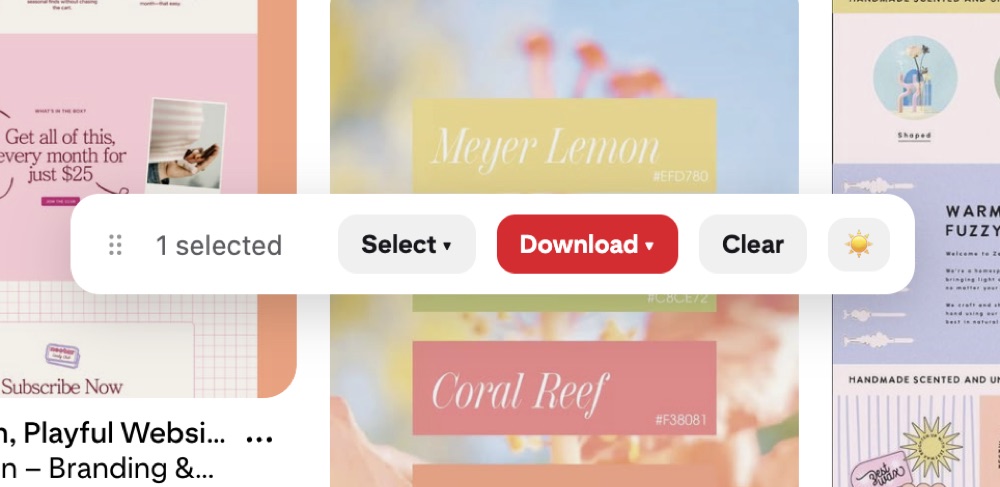
An extension can build the PDF from the board itself. Revapin takes a whole board, or a single section, and exports it as one PDF with the images at full resolution. You don't save and arrange anything by hand; you pick the board and get a file.
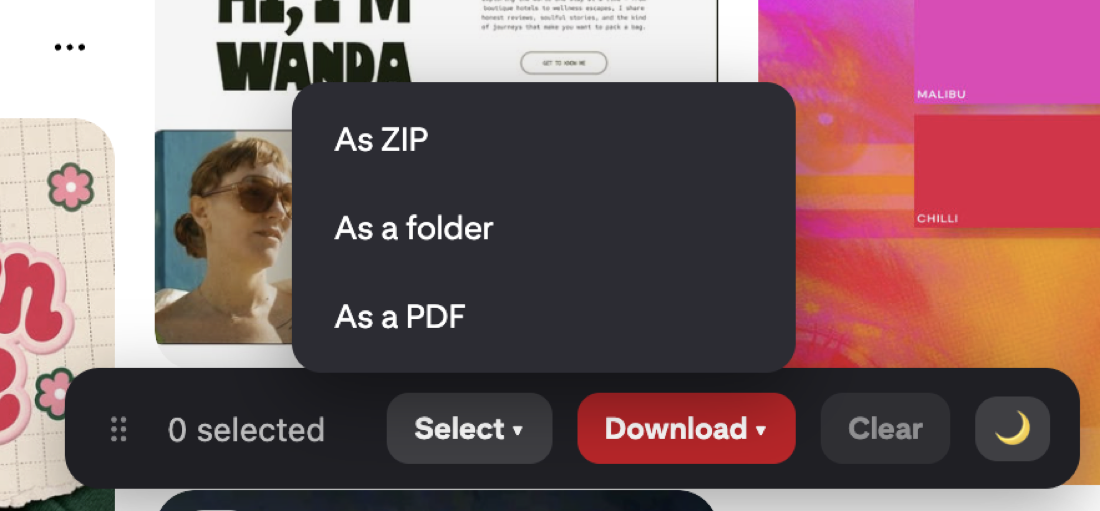
It's free to add, so you can export a board and see whether the PDF is what you'd want to send before you build a client presentation around it.
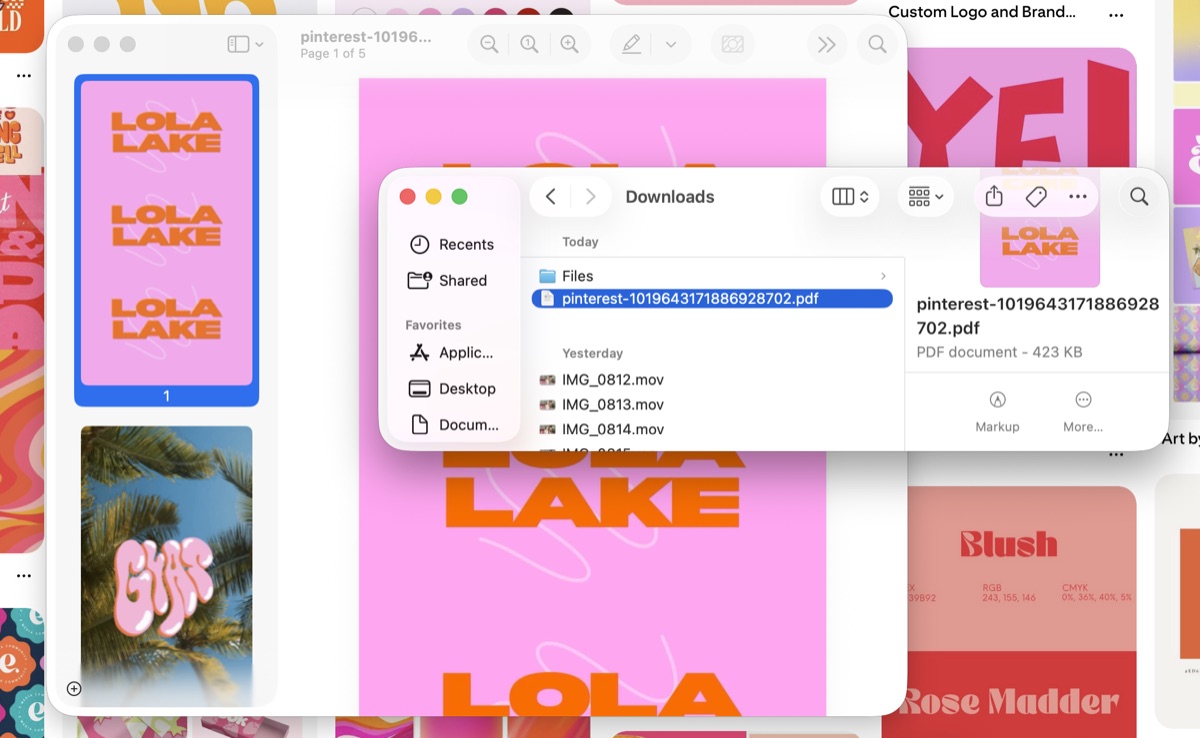
One PDF per section
If your board is split into sections, exporting each one as its own PDF keeps a big collection readable. A client looking at kitchen materials doesn't need forty lighting references in the same document. Sections you've already set up on the board carry straight into separate files.
Making it look like a moodboard
A few things make an exported board read as a deliberate moodboard rather than a folder of pins:
- cut it down to the strongest images before you export;
- group similar pins so the PDF has some rhythm;
- lead with one or two images that set the overall direction.
None of that takes long, and it turns a pile of references into something that looks intentional.
Gathering ideas on a board and sending a client a clean PDF are two different jobs. An export tool mostly saves you the tedious step of turning the first into the second.
Revapin is not affiliated with, sponsored by, or endorsed by Pinterest. Pinterest is a trademark of Pinterest, Inc.