 Revapin
What Are Idea Pins and How to Make One
An idea pin is a multi-page pin, closer to a small slideshow than a single image. Each page can be a photo, a video clip, or a text card, and people swipe through them. They're built for step-by-step content — a recipe, a tutorial, a before-and-after — where one image isn't enough.
How they differ from a normal pin
A regular pin is one image that usually links out to a website. An idea pin lives entirely on Pinterest, holds multiple pages, and historically hasn't carried an outbound link the way a standard pin does. So it's better for showing a process than for sending people straight to a shop or a post.
What they're good for
They suit content that unfolds in steps:
- recipes, where each page is a stage;
- tutorials and how-tos with a sequence;
- lists and round-ups, one item per page.
If your idea is really a single strong image pointing at a page, a normal pin serves you better.
Making one
From the create menu, choose the idea pin option, then add pages one at a time — upload a photo or clip, or record in the app, and drop text on each page. Keep the first page attention-grabbing, since it decides whether anyone swipes, and keep each page simple enough to read in a moment.
Saving idea pins for reference
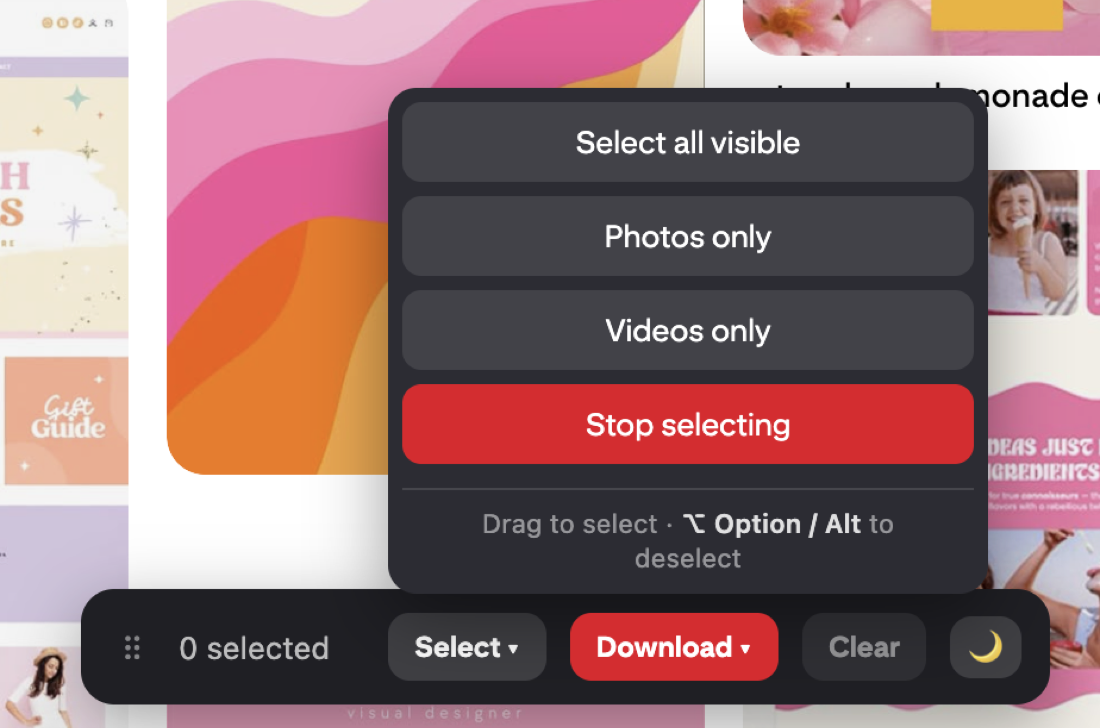
Because an idea pin is several pages rather than one file, keeping a copy is fiddly by hand. Revapin pulls the video and image pages so you can save a tutorial you like for later, rather than trying to re-find it every time. There's a separate guide on saving Pinterest videos that covers the details.
Think of an idea pin as a short, swipeable story for anything that takes more than one frame to show. Use it for process content, keep the pages tight, and save a normal pin for when a single image and a link will do.
Revapin is not affiliated with, sponsored by, or endorsed by Pinterest. Pinterest is a trademark of Pinterest, Inc.